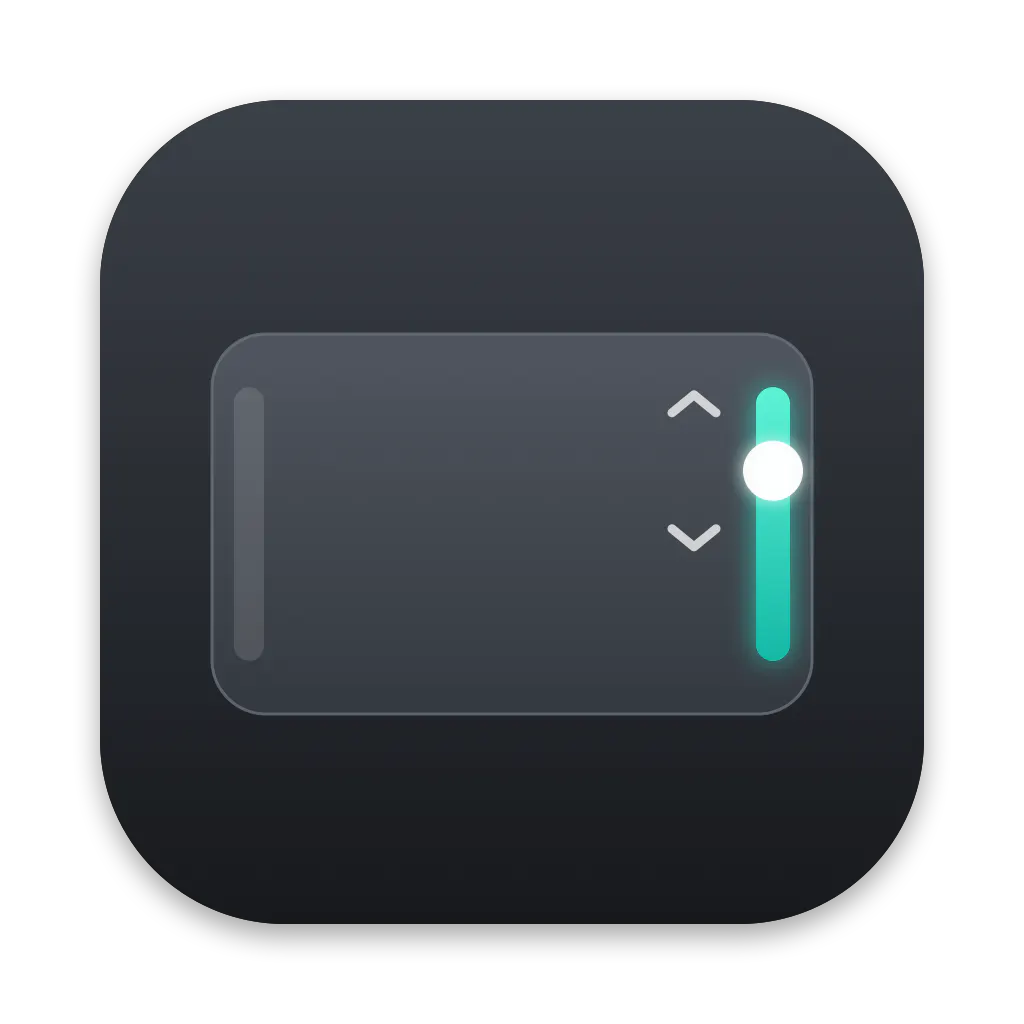
TrackEdge turns the edges of a MacBook trackpad into controls. Slide along the right edge for volume, the left edge for display brightness, and the bottom edge for media playback. Double-tap either top corner to mute, open an app or website, press a keyboard shortcut, or run a Shortcuts action.
My hand rests on the trackpad almost all day. But every time I wanted to change the volume or brightness, I had to reach for the top row of keys or click through Control Center. Meanwhile, the edges of the trackpad, right under my finger, did nothing.
So I gave them a job. TrackEdge is a small menu bar app that turns the edges and corners of your MacBook trackpad into controls:
Right edge: slide up or down for volume
Left edge: slide for brightness
Top corners: double-tap to mute, open an app or a website, press a key combination or run a Shortcut
Bottom edge: swipe to skip tracks
The hardest part wasn’t the gestures. It was making sure they never fire by accident. A gesture only starts when your finger lands inside a thin strip along the edge, and TrackEdge ignores palms, typing and multi-finger gestures. The middle of the trackpad works exactly as before. My rule while building it: better a gesture that misses once than a volume change you didn’t ask for.
The small things I spent the most time on:
a light haptic tick on every step, so you feel the level change without looking
the pointer freezes while you slide and comes back exactly where you left it
the real macOS volume and brightness indicator, nothing new to learn
touches never leave your Mac
Pricing: pay once. No subscription, no account. The first licenses are $5, then the price goes up to $9. Free updates for life.
It works on Apple silicon MacBooks with macOS 14 or later. External Magic Trackpad support is on my list for a later update.
I’d love to hear from you: what would you put on your trackpad’s corners? And if anything feels off, tell me here. I’ll be around answering and fixing.
Sliding the edge for volume is one of those things that feels obvious once someone builds it. How did you handle accidental triggers though? My palm sits right on the bottom edge when I type, so I'm wondering if there's a dead zone or a pressure threshold before it registers as a gesture.
About TrackEdge on Product Hunt
“Hidden AI buttons on your MacBook’s trackpad”
TrackEdge launched on Product Hunt on November 4th, 2026 and earned 73 upvotes and 7 comments, placing #21 on the daily leaderboard. TrackEdge turns the edges of a MacBook trackpad into controls. Slide along the right edge for volume, the left edge for display brightness, and the bottom edge for media playback. Double-tap either top corner to mute, open an app or website, press a keyboard shortcut, or run a Shortcuts action.
TrackEdge was featured in Productivity (664.9k followers), User Experience (369.5k followers) and Apple (15.6k followers) on Product Hunt. Together, these topics include over 217.9k products, making this a competitive space to launch in.
Who hunted TrackEdge?
TrackEdge was hunted by Adrian Topka. A “hunter” on Product Hunt is the community member who submits a product to the platform — uploading the images, the link, and tagging the makers behind it. Hunters typically write the first comment explaining why a product is worth attention, and their followers are notified the moment they post. Around 79% of featured launches on Product Hunt are self-hunted by their makers, but a well-known hunter still acts as a signal of quality to the rest of the community. See the full all-time top hunters leaderboard to discover who is shaping the Product Hunt ecosystem.
Want to see how TrackEdge stacked up against nearby launches in real time? Check out the live launch dashboard for upvote speed charts, proximity comparisons, and more analytics.

 Adrian Topka
Hey Product Hunt! 👋
I’m Adrian, the developer behind TrackEdge.
My hand rests on the trackpad almost all day. But every time I wanted to change the volume or brightness, I had to reach for the top row of keys or click through Control Center. Meanwhile, the edges of the trackpad, right under my finger, did nothing.
So I gave them a job. TrackEdge is a small menu bar app that turns the edges and corners of your MacBook trackpad into controls:
Right edge: slide up or down for volume
Left edge: slide for brightness
Top corners: double-tap to mute, open an app or a website, press a key combination or run a Shortcut
Bottom edge: swipe to skip tracks
The hardest part wasn’t the gestures. It was making sure they never fire by accident. A gesture only starts when your finger lands inside a thin strip along the edge, and TrackEdge ignores palms, typing and multi-finger gestures. The middle of the trackpad works exactly as before. My rule while building it: better a gesture that misses once than a volume change you didn’t ask for.
The small things I spent the most time on:
a light haptic tick on every step, so you feel the level change without looking
the pointer freezes while you slide and comes back exactly where you left it
the real macOS volume and brightness indicator, nothing new to learn
touches never leave your Mac
Pricing: pay once. No subscription, no account. The first licenses are $5, then the price goes up to $9. Free updates for life.
It works on Apple silicon MacBooks with macOS 14 or later. External Magic Trackpad support is on my list for a later update.
I’d love to hear from you: what would you put on your trackpad’s corners? And if anything feels off, tell me here. I’ll be around answering and fixing.