This product was not featured by Product Hunt yet. It will not be visible on their landing page and won't be ranked (cannot win product of the day regardless of upvotes).
Scanly - Scanner & PDF
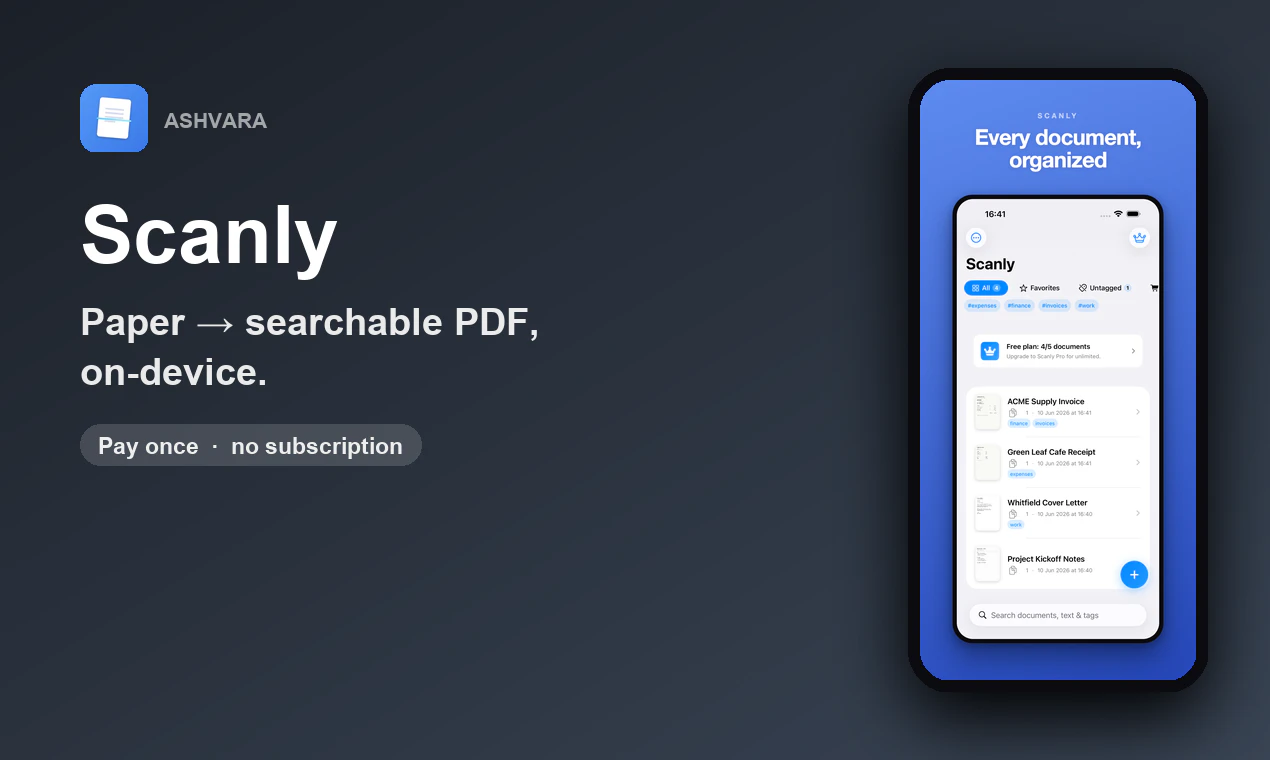
Scan paper into searchable PDFs, all on your iPhone
Scanly turns any document, receipt, ID, or whiteboard into a sharp, searchable PDF, right on your iPhone. Auto edge-detection, on-device OCR, signing, Face ID lock, even receipts to CSV, with nothing ever uploaded. Free to use; one-time Pro unlock, no subscription.
Hey hunters 👋 I'm Sahil, founder of Ashvara.
A document scanner is one of those apps that really shouldn't phone home with your private paperwork - contracts, IDs, receipts, medical forms. So I built Scanly to do everything on the device. Edge detection and perspective correction give you sharp scans, on-device text recognition (Apple's Vision) makes them searchable, and you can sign, lock, and organize a document end to end - without a single byte leaving your iPhone.
A few decisions I'm happy with:
🔒 Fully on-device - scanning, OCR, and everything else happen locally; nothing is uploaded.
⚡ Sharp auto-scans - edge detection + perspective correction built in.
🔎 Searchable PDFs via on-device OCR - and receipts export straight to CSV.
🪪 Face ID lock on sensitive docs.
💜 Pay-once Pro ($2.99) - own it, no subscription.
It's free to use, with a one-time unlock for the power features. I'd genuinely love your feedback on scan quality and OCR accuracy on tricky documents (faded receipts, handwriting, glossy IDs).
The on-device OCR is surprisingly quick and the receipt to CSV actually pulled the totals right. Signing a doc with Face ID felt slick, definitely better than the clunky scanner apps I have used.
The on-device OCR actually works offline on my phone, and the edge detection handled a crumpled receipt without me retaking the shot. Really refreshing to see a scanner that doesn't push a subscription.
How does the OCR handle handwriting vs printed text, and does it keep the formatting when you export the searchable PDF?
Scanned a crumpled receipt last night and it nailed the edge detection, then exported clean CSV without anything leaving my phone. The no subscription angle is genuinely refreshing these days.
How well does the on-device OCR handle handwritten notes, like from a meeting whiteboard? Curious if it actually picks up messy cursive reliably.
About Scanly - Scanner & PDF on Product Hunt
“Scan paper into searchable PDFs, all on your iPhone”
Scanly - Scanner & PDF was submitted on Product Hunt and earned 5 upvotes and 11 comments, placing #100 on the daily leaderboard. Scanly turns any document, receipt, ID, or whiteboard into a sharp, searchable PDF, right on your iPhone. Auto edge-detection, on-device OCR, signing, Face ID lock, even receipts to CSV, with nothing ever uploaded. Free to use; one-time Pro unlock, no subscription.
Scanly - Scanner & PDF was featured in iOS (111k followers), Productivity (663.6k followers) and Privacy (11.4k followers) on Product Hunt. Together, these topics include over 221.5k products, making this a competitive space to launch in.
Who hunted Scanly - Scanner & PDF?
Scanly - Scanner & PDF was hunted by Sahil Jain. A “hunter” on Product Hunt is the community member who submits a product to the platform — uploading the images, the link, and tagging the makers behind it. Hunters typically write the first comment explaining why a product is worth attention, and their followers are notified the moment they post. Around 79% of featured launches on Product Hunt are self-hunted by their makers, but a well-known hunter still acts as a signal of quality to the rest of the community. See the full all-time top hunters leaderboard to discover who is shaping the Product Hunt ecosystem.
Want to see how Scanly - Scanner & PDF stacked up against nearby launches in real time? Check out the live launch dashboard for upvote speed charts, proximity comparisons, and more analytics.

 Sahil Jain