This product was not featured by Product Hunt yet. It will not be visible on their landing page and won't be ranked (cannot win product of the day regardless of upvotes).
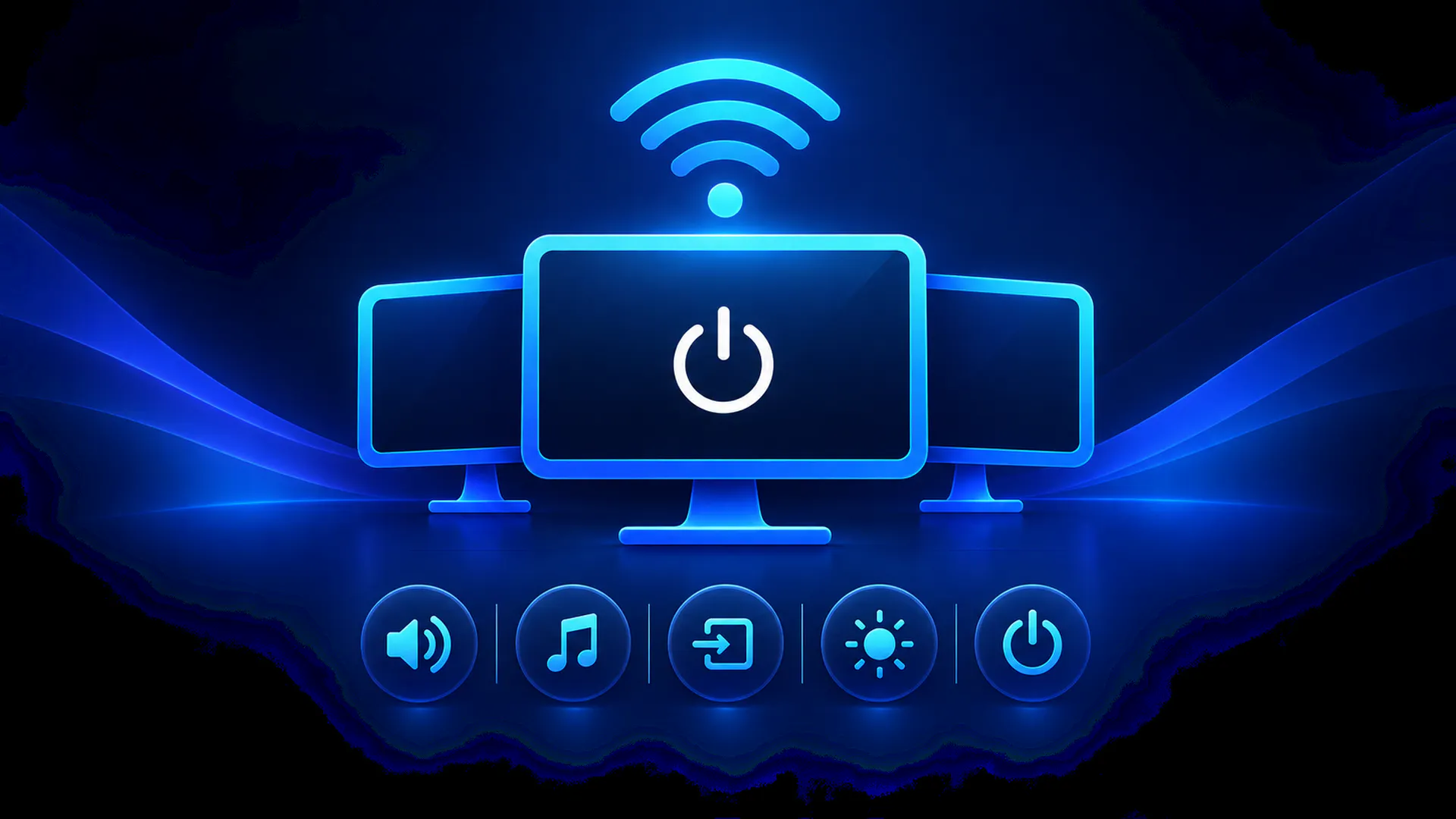
Remot turns any phone into a remote for your Windows PC. Open a link in the browser — no app to install — and get volume, media, per-app audio, monitor brightness and inputs, sleep, clipboard sync and live CPU/GPU stats. It runs on your Wi-Fi only. Free.
Hey Product Hunt 👋
I built Remot because of one specific annoyance: my monitor is shared
between my PC and a console, and switching its input meant reaching
behind the screen every single time. Then it occurred to me that the
phone already in my hand could do it. And the volume. And the music.
Remot is a small service that runs on your Windows PC and serves a web
dashboard to your phone. There's no Android app to install — you scan a
QR code once, open the link in Chrome, and add it to your home screen.
That's the setup.
What's in it:
• Now playing with artwork, seeking and transport controls, for whatever
app owns the media session
• System volume, mic mute, and a slider per app — duck Chrome without
touching the game
• Monitor brightness and input switching over DDC/CI (the thing that
started all this)
• Lock, sleep, display off, a sleep timer, two-way clipboard, and "open
this link on the PC"
• Live CPU, RAM, disk, network and NVIDIA GPU stats, once a second
It never leaves your Wi-Fi. No account, no relay, no server in the
middle. The firewall rule it adds covers private networks only, so it's
inert on café Wi-Fi.
The honest limits, before you ask:
• Monitor brightness and input need DDC/CI, which not every monitor
exposes properly
• One PC at a time
• Windows 10 and 11
• Your phone has to be on the same Wi-Fi — this is a LAN tool by design,
not remote access
Free on the Microsoft Store.
The feature list grew out of my own desk, which means it's probably
missing whatever annoys *you*. So: what do you actually get up and walk
over to your PC for? Tell me and I'll see if it belongs in here.
No comment highlights available yet. Please check back later!
About Remot on Product Hunt
“Control your Windows PC from your phone”
Remot was submitted on Product Hunt and earned 3 upvotes and 1 comments, placing #147 on the daily leaderboard. Remot turns any phone into a remote for your Windows PC. Open a link in the browser — no app to install — and get volume, media, per-app audio, monitor brightness and inputs, sleep, clipboard sync and live CPU/GPU stats. It runs on your Wi-Fi only. Free.
Remot was featured in Android (57.7k followers), Windows (12.8k followers), Productivity (663.5k followers) and GitHub (41.4k followers) on Product Hunt. Together, these topics include over 257.1k products, making this a competitive space to launch in.
Who hunted Remot?
Remot was hunted by TARANG DWIVEDY. A “hunter” on Product Hunt is the community member who submits a product to the platform — uploading the images, the link, and tagging the makers behind it. Hunters typically write the first comment explaining why a product is worth attention, and their followers are notified the moment they post. Around 79% of featured launches on Product Hunt are self-hunted by their makers, but a well-known hunter still acts as a signal of quality to the rest of the community. See the full all-time top hunters leaderboard to discover who is shaping the Product Hunt ecosystem.
Want to see how Remot stacked up against nearby launches in real time? Check out the live launch dashboard for upvote speed charts, proximity comparisons, and more analytics.

 TARANG DWIVEDY