Your MacBook's notch just sits there doing nothing. Now it takes notes. Hover over it, a panel drops down, you jot the thing down and carry on. And yes, there's a mildly passive-aggressive mascot.
Hey everyone, I'm Danny, the maker. Notchkin is a solo project.
I built it because I have the memory of a goldfish and the patience of a toddler. I'd get a thought, freeze up choosing between the 13 note apps I'd installed and abandoned, and by the time I'd picked one, the thought was gone.
So I repurposed the most useless piece of screen real estate Apple ever gave us: the notch. Hover over it, a panel slides down, you write your note, you get on with your life. No window to open, no app to switch to. It's already up there.
A few things I cared about while building it:
- It does one thing. Most notch apps chase Dynamic-Island media controls or file shelves. Notchkin just does notes.
- Everything is local. Nothing leaves your Mac, no account, no cloud.
- One-time purchase. $4.99, no subscription, ever.
It still has the proper stuff: rich text, hashtags for filtering, checklists and lists, pinned notes, global search and find-in-note, quick capture, and RTF/Markdown export. Keyboard people can do basically all of it without touching the mouse.
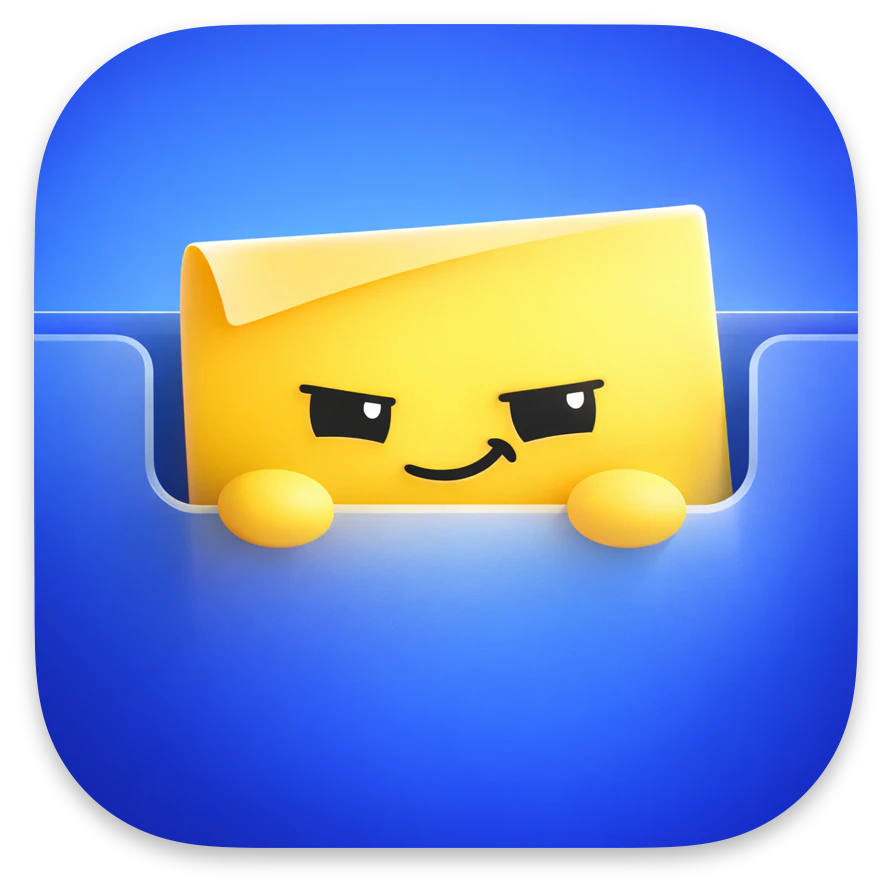
And because most productivity apps are boring and I'm a mean little man, it ships with a sticky-note mascot who's occasionally passive-aggressive and far too pleased with himself.
I'd love your feedback, especially on the notch interaction and anything that feels missing. Happy to answer anything in the comments.
Putting notes literally in the notch is such a "why didn't this exist already" idea — turning dead hardware space into something useful is a great instinct. Does it sync with the system Notes/iCloud, or is it its own little store? Wondering how it fits next to an existing notes workflow rather than adding a second place to lose things.
Repurposing the notch is one of those ideas that looks obvious only after someone ships it.
Love the idea of turning the notch into a quick capture surface. One question: does Notchkin sync or integrate with the native macOS Notes app / Apple Notes, or is it designed to stay as a separate local notes app?
As another solo Mac dev, the "it does one thing" + local-only + one-time-purchase combo is the part I respect most here — that restraint is way harder to hold than it looks once feature requests start rolling in. The drawn-on notch fallback for clamshell setups is a clever touch too.
Congrats on the launch!
I was wondering what other features this product had over me just hovering my bottom right corner for the notes app popup (apart from the really cool mascot!)
I like the idea, it can be actually used a temporary buffer for AI promps of notes. For example sometimes working with Claude Code I want to continue but I don't want to miss some details in it's response. So currently I have Sublime Text opened where I put such notes.
For example I asked AI how can we reduce amount of component re-renders in my application and it gives me 2-3 options and I understand that right now which should only implement first and second option. So I will same third options somewhere and I will return to this option later this date. Sure I can always scroll up and try to find this note in the conversation itself, but it become too cluttered with changes etc
I'm curious how customizable the drop-down panel is. For me, the speed of capturing notes matters more than advanced features.
I've always thought the MacBook notch was wasted space, so this instantly caught my attention. The quick hover-to-note interaction feels natural and lightweight
The notch as capture surface is clever because it removes the “which notes app do I open?” tax. I like that there’s also a global shortcut, because quick capture only works if it becomes muscle memory. Curious whether people are mostly using hover or the shortcut after a few days.
The notch angle is clever but I keep running into the same problem mentally - most of my actual screen time isn't near the top edge, so the muscle memory to look/hover up there takes real retraining. The "one thing" focus is exactly right for a notes app, but that value only lands if the trigger feels as instant as a keyboard shortcut. What happens for people running in clamshell mode on external monitors? That's where I spend most of my day and the notch isn't in play at all there. Would love to know if there's a fallback shortcut for that setup.
the mascot being mildly passive-aggressive is a fun detail but I'm curious if it's just flavor text or if it actually nudges behavior, like guilting you about notes you never revisited. that's the kind of small mechanic that could either make this delightful or mildly annoying depending entirely on execution, curious which side it lands on in practice
This feels like a very Mac native idea. Simple focused and designed around an existing piece of hardware.
I can't help, but that note has an evil look. 😅 Like "😈". But the idea is good! :)
About Notchkin on Product Hunt
“A notes app that lives in your MacBook's notch.”
Notchkin launched on Product Hunt on June 21st, 2026 and earned 137 upvotes and 34 comments, placing #8 on the daily leaderboard. Your MacBook's notch just sits there doing nothing. Now it takes notes. Hover over it, a panel drops down, you jot the thing down and carry on. And yes, there's a mildly passive-aggressive mascot.
Notchkin was featured in Productivity (662k followers), Notes (8.4k followers) and Menu Bar Apps (12.3k followers) on Product Hunt. Together, these topics include over 172.2k products, making this a competitive space to launch in.
Who hunted Notchkin?
Notchkin was hunted by Danny Stankowski. A “hunter” on Product Hunt is the community member who submits a product to the platform — uploading the images, the link, and tagging the makers behind it. Hunters typically write the first comment explaining why a product is worth attention, and their followers are notified the moment they post. Around 79% of featured launches on Product Hunt are self-hunted by their makers, but a well-known hunter still acts as a signal of quality to the rest of the community. See the full all-time top hunters leaderboard to discover who is shaping the Product Hunt ecosystem.
Want to see how Notchkin stacked up against nearby launches in real time? Check out the live launch dashboard for upvote speed charts, proximity comparisons, and more analytics.

 Danny Stankowski