Solving the three biggest pain points in meeting software: privacy, friction, and cost. By running speech-to-text entirely on-device, your confidential discussions never leave your hardware, ensuring total data privacy. It operates invisibly without sending an awkward bot into your attendee list, capturing system audio directly across Zoom, Google Meet, and Microsoft Teams.
Here we are again! When we set out to build HyNote for Mac, we kept hearing the same two frustrations from users about standard AI note-takers:
First, people hate sending invasive bots into meetings and uploading confidential audio to third-party cloud servers. Second, most tools are built only for live meetings, ignoring the rest of how we actually work.
We built HyNote Mac to solve both:
100% Private & Local 🧠: All speech-to-text processing happens on-device using your Mac's local hardware. Your meeting audio, financial discussions, and internal strategies never leave your machine—no cloud uploads, no privacy compromises, and no monthly server-cost markups. You get FREE & Unlimited local transcription without recurring subscription fees or per-minute caps.
No Meeting Bots 🤖: HyNote captures system audio directly without sending an awkward "AI Notetaker" account into your Zoom, Google Meet, or Microsoft Teams calls.
The Multi-Source Model ✨: Unlike standard meeting recorders that only listen to live calls, HyNote is a complete knowledge engine. It seamlessly ingests and synthesizes multiple inputs—live meetings, local audio files, PDFs, whiteboard photos, YouTube links, and web clips—stitching them all into one searchable, AI-powered second brain.
Whether you're bringing a complex PDF into a live meeting synthesis or organizing research across media, HyNote processes it locally, securely, and instantly.
Give HyNote Mac a try today and take back full control of your meeting data and daily context. We’d love to hear your thoughts!
This is a great product! I used it today to take notes. I did get me and the caller mixed up but other than that, it looked like it took pretty decent notes. I suppose we needed to start with clearly introducing ourselves on the call?
Free and local is a combo I did not expect, most tools tap out after 30 minutes haha. Is there a length cap per file, or can I throw a 2 hour interview at it?
This tool seems sleek, simple, and useful.
My main concern is how the security/compliance claims are presented:
“SOC 2 Type II infrastructure” is materially different from the product/company itself having a SOC 2 Type II attestation.
“HIPAA-aligned” is materially different from “HIPAA compliant,” yet the badge shown below says “HIPAA COMPLIANT.”
Could you clarify what has actually been independently assessed or audited? As currently presented, I think a prospective customer could reasonably interpret these claims as broader compliance certifications than they actually represent.
Most notetakers meter transcription by the minute. Yours is free and unlimited because it never leaves the Mac. Congrats on the sixth launch and on still giving it away.
I'm always annoyed by random notetaking bots the coworkers keep invite to meeting. But I'm excited to try this since it runs locally on my mac + 100% private.
Love that HyNote keeps speech-to-text fully on-device, so sensitive meetings never touch a third-party cloud. Privacy-first note taking done right.
Huge congrats on the launch! "Free local transcription that is 100% Private" hits on such a massive pain point right now as privacy-conscious teams look for bot-free meeting tools. Love seeing native Apple Silicon tools that run speech-to-text entirely on-device without locking core utility behind hefty subscriptions. Wishing you tons of momentum today!
Slick product! Particularly appreciate the focus on privacy & local processing which are too often underutilized for use cases like this.
Really like that it's local-only and free. The cross-device sync makes me curious though: what actually leaves the Mac when it syncs? Does it pass through your servers?
the 100% local processing is a massive differentiator especially with all the recent lawsuits around AI note takers and consent issues. HyNote directly addresses the elephant in the room that many tools are ignoring. excellent work!
Does everything stay on the device after transcriotion too, or are summaries sent to a cloud model?
I could see this being especially useful for regulated teams where sending meeting audio to another service is already a headache.
The biggest win for me is that it stays out of the meeting itself. I dont want a transcription tool becoming another participant everyone has to notice.
The no cloud stepup iis what caught my attention. It feels much more comfortabke for sensitive work conversations.
I like that this solves the awkwardness rather than adding another meeting participant. the less people have to change theur meeting habits the better.
How do you see people using HyNote differently from traditional note apps once all their meetings, documents and ideas live in one place?
HyNote for Mac launched on Product Hunt on August 20th, 2026 and earned 373 upvotes and 59 comments, earning #1 Product of the Day. Solving the three biggest pain points in meeting software: privacy, friction, and cost. By running speech-to-text entirely on-device, your confidential discussions never leave your hardware, ensuring total data privacy. It operates invisibly without sending an awkward bot into your attendee list, capturing system audio directly across Zoom, Google Meet, and Microsoft Teams.
HyNote for Mac was featured in Android (57.7k followers), Meetings (6.5k followers), Menu Bar Apps (12.3k followers) and Apple (15.6k followers) on Product Hunt. Together, these topics include over 64.2k products, making this a competitive space to launch in.
Who hunted HyNote for Mac?
HyNote for Mac was hunted by Sandy Kong. A “hunter” on Product Hunt is the community member who submits a product to the platform — uploading the images, the link, and tagging the makers behind it. Hunters typically write the first comment explaining why a product is worth attention, and their followers are notified the moment they post. Around 79% of featured launches on Product Hunt are self-hunted by their makers, but a well-known hunter still acts as a signal of quality to the rest of the community. See the full all-time top hunters leaderboard to discover who is shaping the Product Hunt ecosystem.
Want to see how HyNote for Mac stacked up against nearby launches in real time? Check out the live launch dashboard for upvote speed charts, proximity comparisons, and more analytics.


 Sandy Kong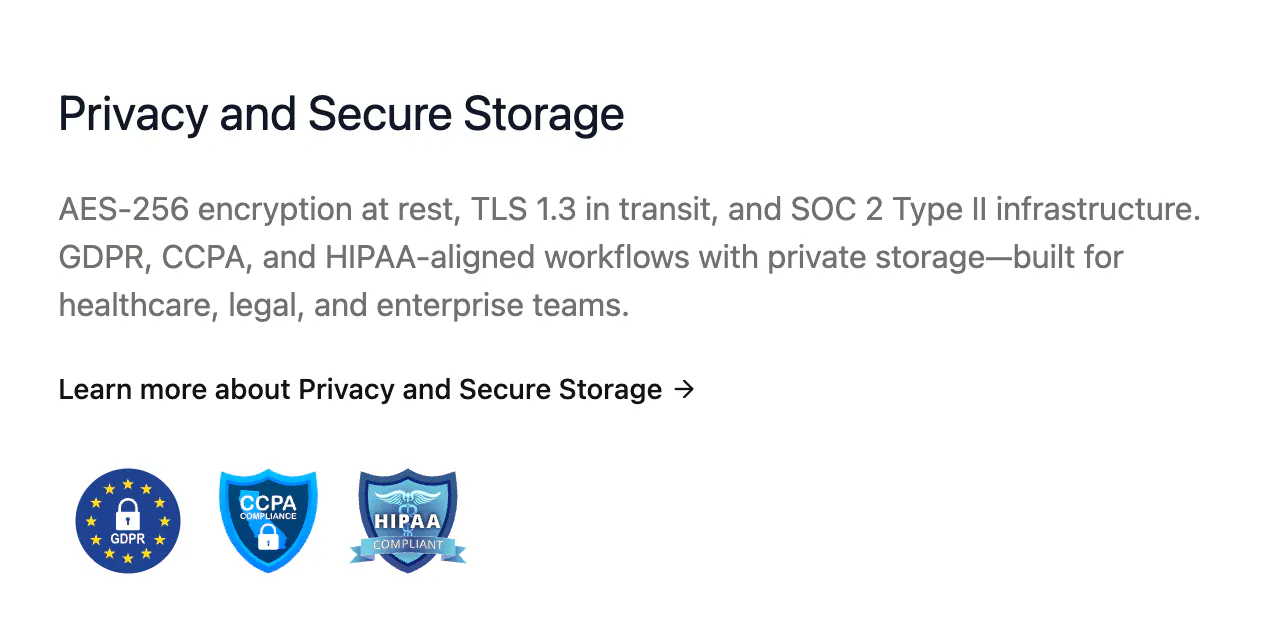
Hey PH Fam,
Here we are again! When we set out to build HyNote for Mac, we kept hearing the same two frustrations from users about standard AI note-takers:
First, people hate sending invasive bots into meetings and uploading confidential audio to third-party cloud servers. Second, most tools are built only for live meetings, ignoring the rest of how we actually work.
We built HyNote Mac to solve both:
100% Private & Local 🧠: All speech-to-text processing happens on-device using your Mac's local hardware. Your meeting audio, financial discussions, and internal strategies never leave your machine—no cloud uploads, no privacy compromises, and no monthly server-cost markups. You get FREE & Unlimited local transcription without recurring subscription fees or per-minute caps.
No Meeting Bots 🤖: HyNote captures system audio directly without sending an awkward "AI Notetaker" account into your Zoom, Google Meet, or Microsoft Teams calls.
The Multi-Source Model ✨: Unlike standard meeting recorders that only listen to live calls, HyNote is a complete knowledge engine. It seamlessly ingests and synthesizes multiple inputs—live meetings, local audio files, PDFs, whiteboard photos, YouTube links, and web clips—stitching them all into one searchable, AI-powered second brain.
Download Now on Mac!
Whether you're bringing a complex PDF into a live meeting synthesis or organizing research across media, HyNote processes it locally, securely, and instantly.
Give HyNote Mac a try today and take back full control of your meeting data and daily context. We’d love to hear your thoughts!