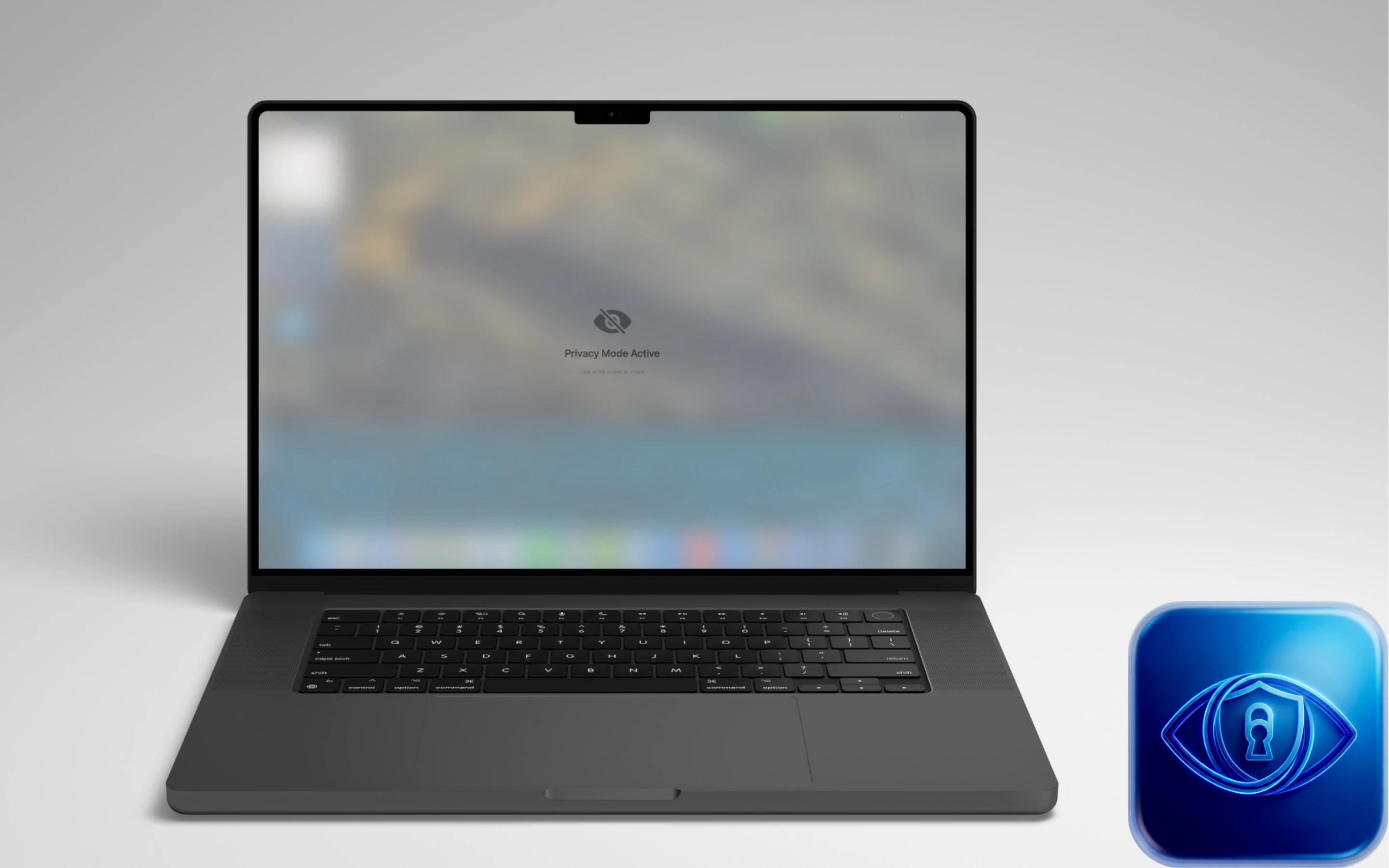
Key Features: Smart Gaze Detection: Instantly blurs content when you look away. Shoulder Surfing Protection: Detects if someone else is looking at your screen and activates privacy mode. Selective Blur: You choose which apps (Mail, Notes, etc.) to protect. Privacy First: All processing happens locally on your Mac using Apple's Vision Framework. No camera data ever leaves your device.
Gaze Guard, your personal privacy shield for macOS.
What is Gaze Guard? Gaze Guard is a menu bar utility that uses advanced on-device face tracking to protect your sensitive data from shoulder surfers and wandering eyes.
Key Features:
Smart Gaze Detection: Instantly blurs content when you look away.
Shoulder Surfing Protection: Detects if someone else is looking at your screen and activates privacy mode.
Selective Blur: You choose which apps (Mail, Notes, etc.) to protect.
Privacy First: All processing happens locally on your Mac using Apple's Vision Framework. No camera data ever leaves your device.
App Store : https://apps.apple.com/us/app/ga...
if you like it please drop a comment on app store. It is extremely important for the application to be discoverable :)
Since Gaze Guard is a completely privacy-focused app, it cannot connect to the internet, so I haven’t integrated a subscription system and normally Gaze Guard has 2.99 Dolar price. I’ve kept the lifetime price very, very low. But it's free for a limited time.
Nice, congrats on the launch! As someone who enjoys working in cafes, your product sounds exactly like what I need 😆
I work from cafés a lot so the shoulder surfing detection is really appealing. Curious how fast the blur kicks in when someone walks up behind you. Is it instant or is there a brief delay?
This is very cool. How does Gaze Guard handle dual-monitor setups — does it track gaze per screen independently, or does it blur all screens simultaneously when you look away?
Check if I understand the product. So, if the person whose laptop it is, it will not blur then, but if in front of the camera somebody else comes, then it will auto-blur the screen. Is that correct? And then it unblurs whenever the original owner arrives in front of the laptop. Is that correct? Is it using some kind of facial recognition?
Interesting. What's the impact on device performance and battery life?
I ask because I see this being really valuable in public spaces, and having a jet engine on a table is not fun (I speak from painful lived experience of laptop fan sounds 😀)

 Veysel Kurnaz