This product was not featured by Product Hunt yet. It will not be visible on their landing page and won't be ranked (cannot win product of the day regardless of upvotes).
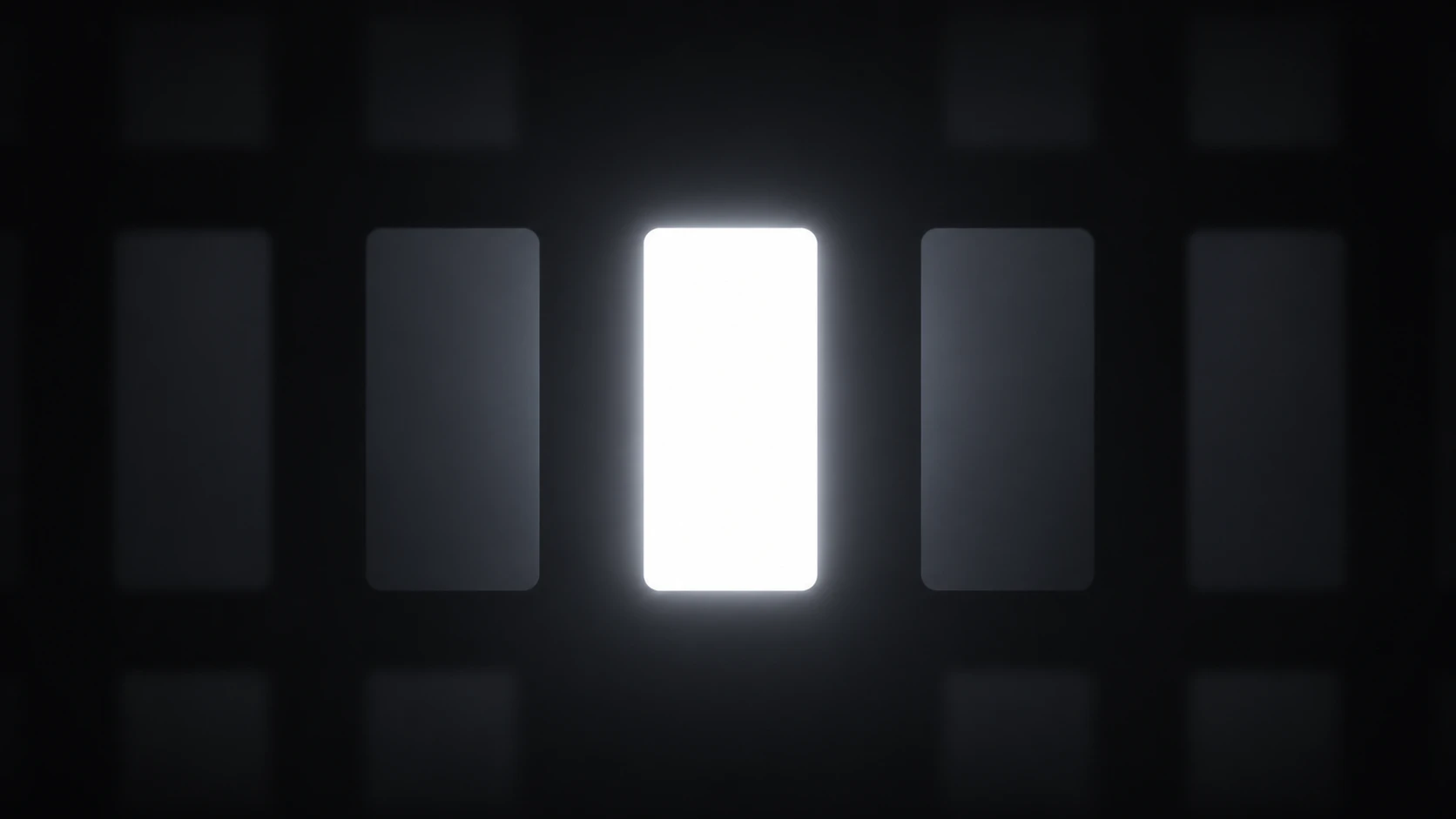
Most productivity apps try to block distractions. FocusFrame takes a different approach — it just dims everything that isn't your active window. Press ⌘⇧F and a smooth dark overlay covers your entire screen except the window you're in. Click another window and the spotlight follows instantly. Press the shortcut again to turn it off. That's it. No settings to configure. No onboarding. It just works.
The idea came from a simple frustration: I'd be deep in a coding session and my eyes kept drifting to Slack notifications, browser tabs, terminal output — all the visual noise sitting around my editor. I tried full-screen mode but then I couldn't reference anything. I tried hiding apps but that was too much friction.
I just wanted everything else to go dark.
I couldn't find anything that did exactly that — lightweight, free, no subscription, no account, just a keyboard shortcut that dims everything except what I'm looking at. So I built it over a weekend.
It's been on my own Mac every day since. Today I'm sharing it.
Feedback Request A few things I'd love your feedback on:
Does the default dim intensity feel right? Would you want a custom shortcut option? Any edge cases where it breaks (fullscreen apps, games, etc.)? Download is free at focusframe.cloud — no email, no signup, just a DMG. If it saves you even a little mental energy, consider buying me a coffee ☕
No comment highlights available yet. Please check back later!
About FocusFrame on Product Hunt
“Dim every window except the one you're working in”
FocusFrame was submitted on Product Hunt and earned 2 upvotes and 1 comments, placing #128 on the daily leaderboard. Most productivity apps try to block distractions. FocusFrame takes a different approach — it just dims everything that isn't your active window. Press ⌘⇧F and a smooth dark overlay covers your entire screen except the window you're in. Click another window and the spotlight follows instantly. Press the shortcut again to turn it off. That's it. No settings to configure. No onboarding. It just works.
FocusFrame was featured in Mac (103.8k followers), Productivity (663.3k followers) and Developer Tools (521.3k followers) on Product Hunt. Together, these topics include over 268.4k products, making this a competitive space to launch in.
Who hunted FocusFrame?
FocusFrame was hunted by Ruben Seelmeyer. A “hunter” on Product Hunt is the community member who submits a product to the platform — uploading the images, the link, and tagging the makers behind it. Hunters typically write the first comment explaining why a product is worth attention, and their followers are notified the moment they post. Around 79% of featured launches on Product Hunt are self-hunted by their makers, but a well-known hunter still acts as a signal of quality to the rest of the community. See the full all-time top hunters leaderboard to discover who is shaping the Product Hunt ecosystem.
Want to see how FocusFrame stacked up against nearby launches in real time? Check out the live launch dashboard for upvote speed charts, proximity comparisons, and more analytics.

 Ruben Seelmeyer
Hey PH! 👋 Ruben here, I built FocusFrame.
The idea came from a simple frustration: I'd be deep in a coding session and my eyes kept drifting to Slack notifications, browser tabs, terminal output — all the visual noise sitting around my editor. I tried full-screen mode but then I couldn't reference anything. I tried hiding apps but that was too much friction.
I just wanted everything else to go dark.
I couldn't find anything that did exactly that — lightweight, free, no subscription, no account, just a keyboard shortcut that dims everything except what I'm looking at. So I built it over a weekend.
It's been on my own Mac every day since. Today I'm sharing it.
Feedback Request
A few things I'd love your feedback on:
Does the default dim intensity feel right?
Would you want a custom shortcut option?
Any edge cases where it breaks (fullscreen apps, games, etc.)?
Download is free at focusframe.cloud — no email, no signup, just a DMG. If it saves you even a little mental energy, consider buying me a coffee ☕
Happy to answer any questions below!