This product was not featured by Product Hunt yet. It will not be visible on their landing page and won't be ranked (cannot win product of the day regardless of upvotes).
Chat Exporter for ChatGPT, Gemini & more
ChatGPT, Gemini & AI Studio to PDF, MD, JSON (Privacy Focus)
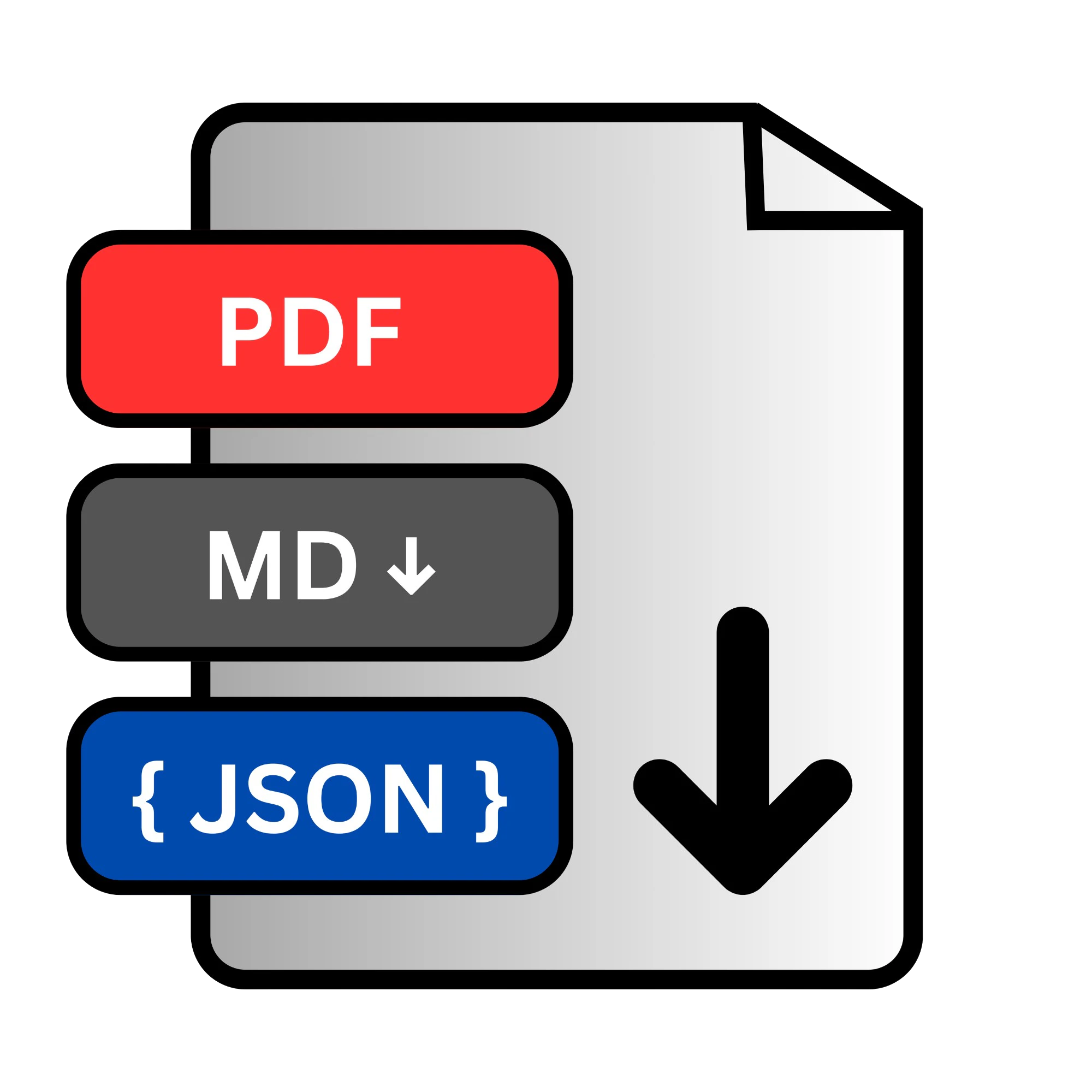
Export ChatGPT, Gemini, and Google AI Studio conversations to PDF, Markdown, and JSON. As all major AI Platforms lacks a native way to export or share your work and Copy-pasting breaks code blocks, ruins tables, and drags in Gemini's internal thinking logs. Chat Exporter fixes this with one click. Export any conversation to clean Markdown, a print-ready PDF with syntax highlighting, or structured JSON. Everything runs locally in your browser. Just install and export.
Introducing all new big update for "Chat Exporter: ChatGPT, Gemini & more" (formerly Chat Exporter for Google AI Studio).
As heavy users of AI platforms, my team and I constantly found ourselves needing to save, share, or archive our conversations. But copy-pasting always broke our code blocks, ruined beautifully formatted markdown tables, and accidentally dragged along Gemini’s internal thinking logs. It was a messy, frustrating process.
I built Chat Exporter to solve this with exactly one click.
🌟 What makes it special? 1) Multi-Platform Support: Works seamlessly across ChatGPT, Gemini, and Google AI Studio. 2) Format Flexibility: Export your chats into perfectly formatted PDFs (with syntax highlighting), clean Markdown for your personal notes, or structured JSON for developers. 3) Privacy-First Architecture: Your data is yours. The extension runs 100% locally in your browser. We never track, store, or upload your conversations to any external servers. 4) Clean Formatting: No more broken layouts, weird text artifacts, or missing code blocks.
We are live today and would absolutely love to get your feedback! Try it out and let us know what features or platform integrations you want to see next.Thank you so much for your support! ❤️
No comment highlights available yet. Please check back later!
About Chat Exporter for ChatGPT, Gemini & more on Product Hunt
“ChatGPT, Gemini & AI Studio to PDF, MD, JSON (Privacy Focus)”
Chat Exporter for ChatGPT, Gemini & more was submitted on Product Hunt and earned 4 upvotes and 1 comments, placing #160 on the daily leaderboard. Export ChatGPT, Gemini, and Google AI Studio conversations to PDF, Markdown, and JSON. As all major AI Platforms lacks a native way to export or share your work and Copy-pasting breaks code blocks, ruins tables, and drags in Gemini's internal thinking logs. Chat Exporter fixes this with one click. Export any conversation to clean Markdown, a print-ready PDF with syntax highlighting, or structured JSON. Everything runs locally in your browser. Just install and export.
Chat Exporter for ChatGPT, Gemini & more was featured in Chrome Extensions (52.8k followers), Productivity (663.3k followers) and Artificial Intelligence (481.3k followers) on Product Hunt. Together, these topics include over 314.6k products, making this a competitive space to launch in.
Who hunted Chat Exporter for ChatGPT, Gemini & more?
Chat Exporter for ChatGPT, Gemini & more was hunted by Rajat Jain. A “hunter” on Product Hunt is the community member who submits a product to the platform — uploading the images, the link, and tagging the makers behind it. Hunters typically write the first comment explaining why a product is worth attention, and their followers are notified the moment they post. Around 79% of featured launches on Product Hunt are self-hunted by their makers, but a well-known hunter still acts as a signal of quality to the rest of the community. See the full all-time top hunters leaderboard to discover who is shaping the Product Hunt ecosystem.
Want to see how Chat Exporter for ChatGPT, Gemini & more stacked up against nearby launches in real time? Check out the live launch dashboard for upvote speed charts, proximity comparisons, and more analytics.

 Rajat Jain
Hey Product Hunt community! 👋
Introducing all new big update for "Chat Exporter: ChatGPT, Gemini & more" (formerly Chat Exporter for Google AI Studio).
As heavy users of AI platforms, my team and I constantly found ourselves needing to save, share, or archive our conversations. But copy-pasting always broke our code blocks, ruined beautifully formatted markdown tables, and accidentally dragged along Gemini’s internal thinking logs. It was a messy, frustrating process.
I built Chat Exporter to solve this with exactly one click.
🌟 What makes it special?
1) Multi-Platform Support: Works seamlessly across ChatGPT, Gemini, and Google AI Studio.
2) Format Flexibility: Export your chats into perfectly formatted PDFs (with syntax highlighting), clean Markdown for your personal notes, or structured JSON for developers.
3) Privacy-First Architecture: Your data is yours. The extension runs 100% locally in your browser. We never track, store, or upload your conversations to any external servers.
4) Clean Formatting: No more broken layouts, weird text artifacts, or missing code blocks.
We are live today and would absolutely love to get your feedback! Try it out and let us know what features or platform integrations you want to see next.Thank you so much for your support! ❤️