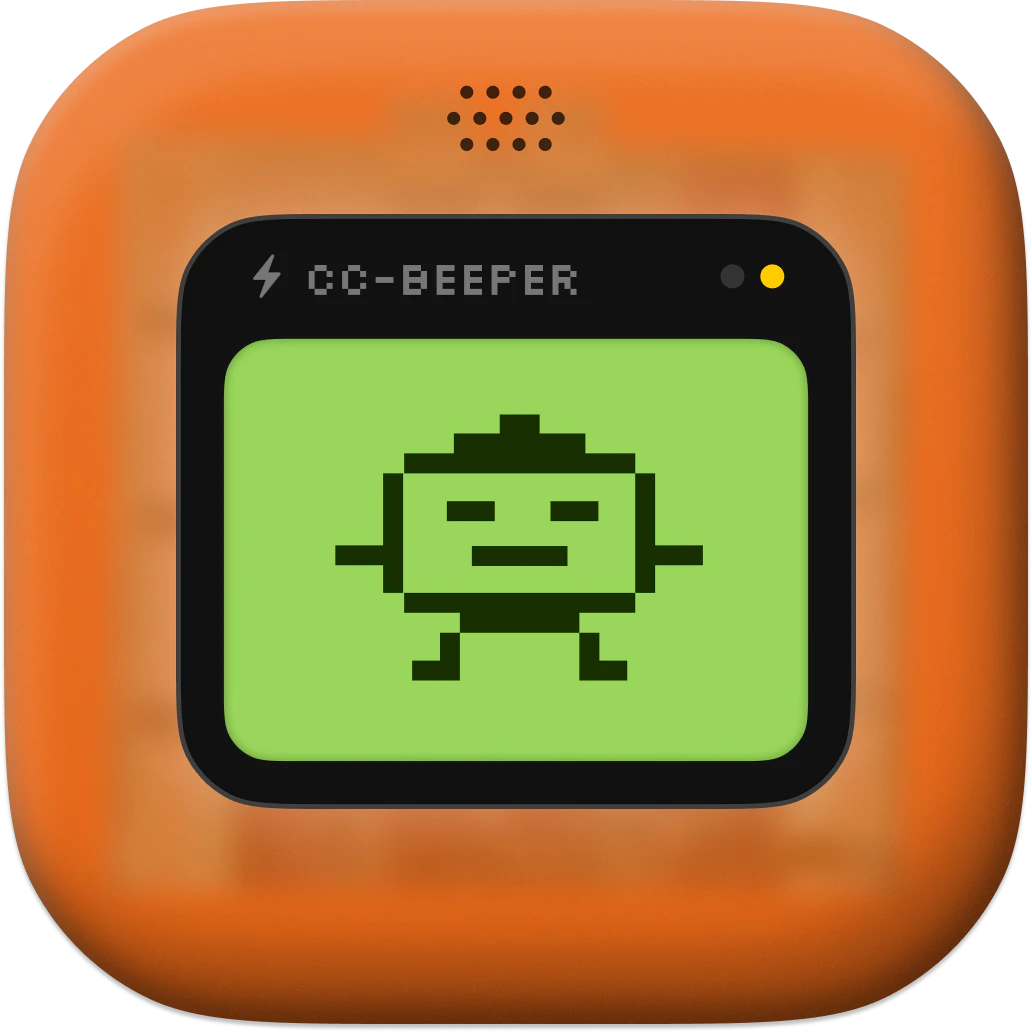
Native macOS companion for Claude Code. A floating retro pager that shows you what Claude is doing so you stop babysitting your terminal. Real-time LCD status with pixel art animations Four auto-accept modes (Strict / Relaxed / Trusted / YOLO) Voice input and spoken recaps Hotkeys, always on top Customisable themes, size, voice 100% local. Zero dependencies. Open source.
Hey PH,
I'm a designer who uses Claude Code every day. I kept getting distracted by other work and coming back to find Claude had been waiting for a permission or had finished ages ago.
So I vibe coded a floating retro pager that sits on my desktop. Started as a simple status monitor but it grew: permissions, voice input, spoken recaps, hotkeys, four auto-accept modes. I'm a designer so I had to go hard on the design: retro skeumorphic, 10 themes, pixel art animations, 3 sizes, etc.
Even added a useless but fun little feature: double clap to start dictating (enabled in the settings).
Everything runs locally. 100% Swift, zero dependencies. No accounts, no telemetry, no API keys. Just download and use it.
First open source project, for sure imperfect, but I use it every day and wanted to share it. Ideas and feedback are welcome.
https://github.com/vecartier/cc-...
brew install --cask cc-beeper
The four auto-accept modes are the interesting design decision here. YOLO mode — does that mean Claude can execute shell commands, write files, make network requests without any prompt? Trying to understand where the trust boundary actually sits, because "auto-accept everything" in an agentic coding context is either brilliant or terrifying depending on what Claude decides to do at 2am.
I’ve run into this myself—I often assume Claude would’ve completed the task by now, but when I check, it’s usually stuck on some permission issue. Love the idea—how do you detect when Claude needs permission? Do you poll for it continuously?
Having a beeper UI on my desktop in 2026 was not on my bingo card for the year.
This fills a real gap - I've caught myself staring at the terminal waiting for Claude to finish way too many times. The four auto-accept modes are the right call, YOLO mode for scaffolding and Strict for anything touching prod. One question: does the LCD status show which tool Claude is currently using (file read vs bash vs edit)? That granularity would be genuinely useful for knowing when to intervene.
Love the retro pager concept. It makes something pretty technical feel way more approachable. How did you decide what states and signals were most important to show in real time?
This is super cool.
One suggestion: you could consider color-coding the statuses based on whether there's input needed from the user. (eg. "done" -> green, "error" -> red, "needs input" -> yellow).
As a Claude Code user- this is clever. Does it work with the new agent/skill features too?
naming the top trust level "yolo" is the most honest ux decision i've seen in a dev tool. been running claude code for months — you always end up at two extremes: approve everything manually or just run
--dangerouslySkipPermissions and hope. strict to yolo as an actual dial makes trust a real decision.
Can you walk through how the blocking PermissionRequest hook handling works end-to-end (especially holding a TCP connection open) and what reliability/edge cases you had to solve—multiple concurrent sessions, crashes, sleep/wake, terminal restarts, or Claude updates?
This is so fun. Did you ever think about trying to connect this with a real beeper? I also can't believe this is your first open source project. I'm definitely looking forward to seeing what you're building. This was great. Well done @vecartier!
This looks really great. I hope we have something similar for Windows Laptop too, sooner. Just in case, if there are multiple Claude sessions going on, how it will react, I am curious to know that.
Seriously, the state that attracted me the most was the error: “Something went wrong.”
A lot of times, I only see a summary at the very end of the run, and I end up getting lost in what actually happened during the execution flow. The real issue is that when there are multiple errors and the claude tries to handle them on its own, it becomes painful on my side. It affects the whole workflow.
Instead of finding out only at the end, I’d rather get real-time signals about errors as they happen, so I can step in immediately and help, rather than reacting after everything is already done. COOL!
When you have multiple Claude sessions running at a time, do we get multiple pages, or does the page screen get increased with each Claude session?
About CC-BEEPER on Product Hunt
“A floating macOS pager for Claude Code”
CC-BEEPER launched on Product Hunt on April 15th, 2026 and earned 220 upvotes and 36 comments, placing #6 on the daily leaderboard. Native macOS companion for Claude Code. A floating retro pager that shows you what Claude is doing so you stop babysitting your terminal. Real-time LCD status with pixel art animations Four auto-accept modes (Strict / Relaxed / Trusted / YOLO) Voice input and spoken recaps Hotkeys, always on top Customisable themes, size, voice 100% local. Zero dependencies. Open source.
CC-BEEPER was featured in Open Source (68.9k followers), Developer Tools (520.4k followers), Artificial Intelligence (479.9k followers) and GitHub (41.4k followers) on Product Hunt. Together, these topics include over 257.4k products, making this a competitive space to launch in.
Who hunted CC-BEEPER?
CC-BEEPER was hunted by Victor Cartier. A “hunter” on Product Hunt is the community member who submits a product to the platform — uploading the images, the link, and tagging the makers behind it. Hunters typically write the first comment explaining why a product is worth attention, and their followers are notified the moment they post. Around 79% of featured launches on Product Hunt are self-hunted by their makers, but a well-known hunter still acts as a signal of quality to the rest of the community. See the full all-time top hunters leaderboard to discover who is shaping the Product Hunt ecosystem.
Want to see how CC-BEEPER stacked up against nearby launches in real time? Check out the live launch dashboard for upvote speed charts, proximity comparisons, and more analytics.

 Victor Cartier