This product was not featured by Product Hunt yet. It will not be visible on their landing page and won't be ranked (cannot win product of the day regardless of upvotes).
Product upvotes vs the next 3
Waiting for data. Loading
Product comments vs the next 3
Waiting for data. Loading
Product upvote speed vs the next 3
Waiting for data. Loading
Product upvotes and comments
Waiting for data. Loading
Product vs the next 3
Loading
VolScroll - Volume Scroll
Scroll any app hands-free with the volume buttons
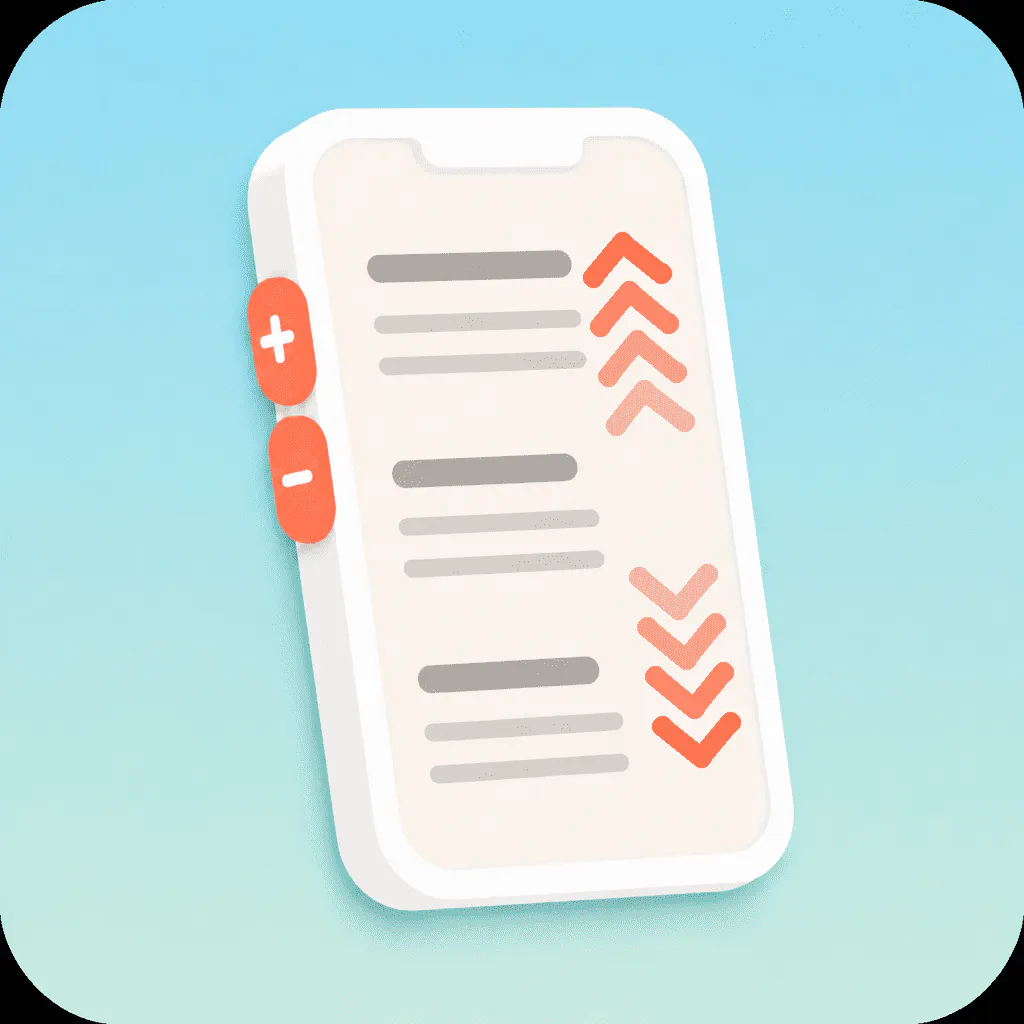
Does your finger cover the webtoon? Does every video need another swipe? The buttons on the side of your phone scroll an open webtoon app, YouTube, or browser. Press once to move a little, or hold it down to keep going. Volume up moves the page up, and volume down moves it down. If your hands are busy, the page can keep moving up or down by itself. In Shorts, TikTok, and Reels, those buttons take you to the next video. While this is on, the volume does not change.
Hide the floating button. Volume scrolling stays on!
■ 🛡️ App exclusions
In Phone and Camera, the volume buttons control sound again. Leave out the apps you don’t want scrolled.
▶ For you if
· You don’t want a finger over the webtoon
· You read or watch in bed, or while eating
· You move through Shorts, TikTok, and Reels with the volume keys
Try VolScroll! Press the side buttons, not the screen.
※ On excluded apps, the volume buttons control sound again.
About VolScroll - Volume Scroll on Product Hunt
“Scroll any app hands-free with the volume buttons”
VolScroll - Volume Scroll was submitted on Product Hunt and earned 0 upvotes and 1 comments, placing #557 on the daily leaderboard. Does your finger cover the webtoon? Does every video need another swipe? The buttons on the side of your phone scroll an open webtoon app, YouTube, or browser. Press once to move a little, or hold it down to keep going. Volume up moves the page up, and volume down moves it down. If your hands are busy, the page can keep moving up or down by itself. In Shorts, TikTok, and Reels, those buttons take you to the next video. While this is on, the volume does not change.
On the analytics side, VolScroll - Volume Scroll competes within Android, Tech, Side Project and Cell Phone — topics that collectively have 700.2k followers on Product Hunt. The dashboard above tracks how VolScroll - Volume Scroll performed against the three products that launched closest to it on the same day.
Who hunted VolScroll - Volume Scroll?
VolScroll - Volume Scroll was hunted by Mike. A “hunter” on Product Hunt is the community member who submits a product to the platform — uploading the images, the link, and tagging the makers behind it. Hunters typically write the first comment explaining why a product is worth attention, and their followers are notified the moment they post. Around 79% of featured launches on Product Hunt are self-hunted by their makers, but a well-known hunter still acts as a signal of quality to the rest of the community. See the full all-time top hunters leaderboard to discover who is shaping the Product Hunt ecosystem.
For a complete overview of VolScroll - Volume Scroll including community comment highlights and product details, visit the product overview.

 Mike

Hey Product Hunt,
Does your finger cover the webtoon? Do you have to swipe at every single video?
With VolScroll you scroll using the side volume buttons. One press, auto-scroll, or a jump to the next page!
Your hands can stay off the screen. Two buttons are enough to move other apps.
English, Korean, Japanese, Chinese (Simplified and Traditional), Spanish — 72 languages in total. The app follows your phone language.
■ ↕️ Volume-button scroll
Up and down move the page. While scroll is on, the sound doesn’t change!
■ 🖐️ Smooth mode
Like a finger swipe. Hold it down and it keeps going.
■ ▶️ Auto-scroll
The page runs up or down while your hands stay free.
■ ⏭️ Page mode
In Shorts, TikTok, and Reels you go to the next video! In other apps you choose how much of the screen to skip.
■ 📲 On-screen button · notification · Quick Settings
Turn it on or off without opening the app again.
■ 👁️🗨️ Hide the button
Hide the floating button. Volume scrolling stays on!
■ 🛡️ App exclusions
In Phone and Camera, the volume buttons control sound again. Leave out the apps you don’t want scrolled.
▶ For you if
· You don’t want a finger over the webtoon
· You read or watch in bed, or while eating
· You move through Shorts, TikTok, and Reels with the volume keys
Try VolScroll! Press the side buttons, not the screen.
※ On excluded apps, the volume buttons control sound again.