This product was not featured by Product Hunt yet. It will not be visible on their landing page and won't be ranked (cannot win product of the day regardless of upvotes).
Product upvotes vs the next 3
Waiting for data. Loading
Product comments vs the next 3
Waiting for data. Loading
Product upvote speed vs the next 3
Waiting for data. Loading
Product upvotes and comments
Waiting for data. Loading
Product vs the next 3
Loading
StackBuilder
Turn plain English into cloud architecture diagrams
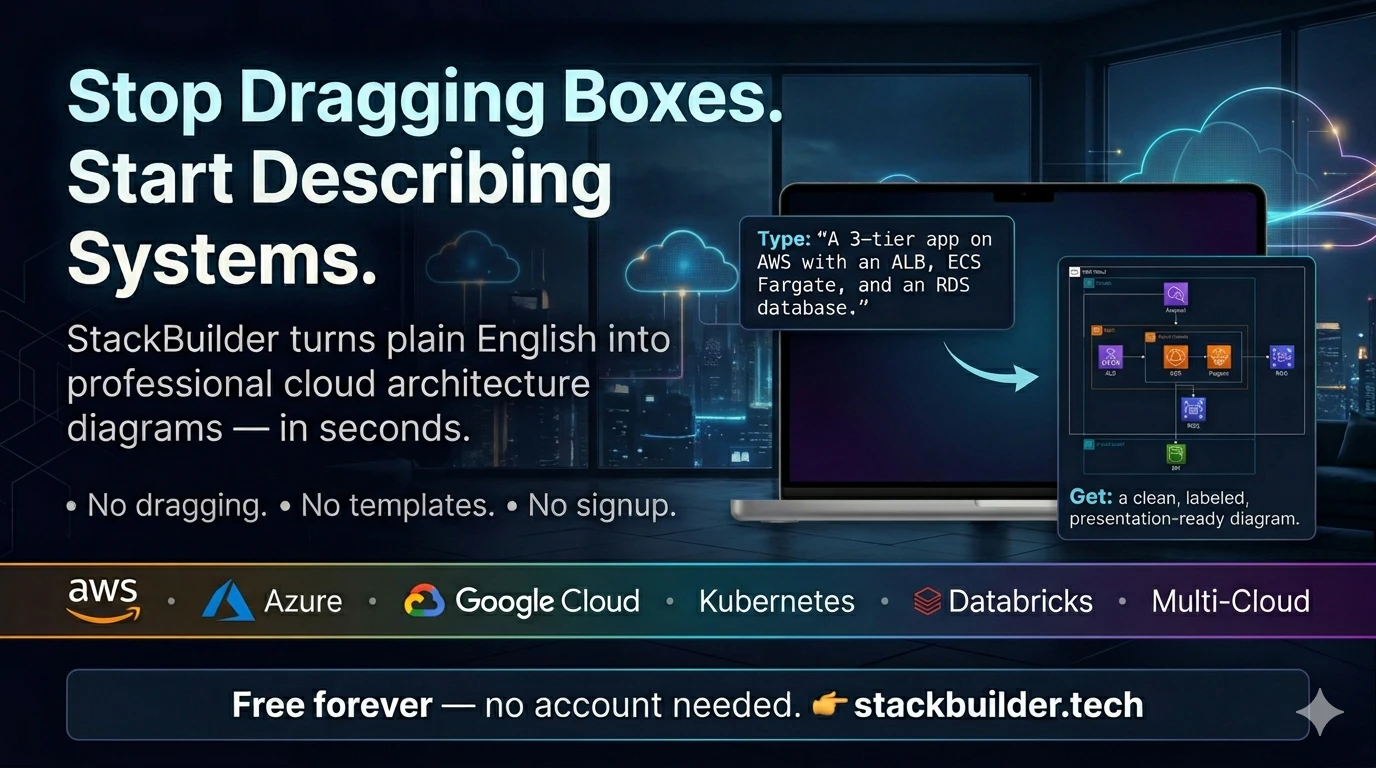
StackBuilder turns a plain-English description of your system into a professional cloud architecture diagram in seconds — no dragging boxes. Type "a 3-tier web app on AWS with an ALB, ECS Fargate, RDS Postgres, S3 and CloudFront" and it draws it with the real provider icons. What's different: • Description → diagram, not a blank canvas • Refine in plain English ("add a Redis cache") • AWS, Azure, GCP, Kubernetes, Databricks & multi-cloud • Export to PNG, SVG, PDF, draw.io — no signup
Hey Product Hunt 👋
I built StackBuilder because I was tired of spending more time arranging rectangles in diagramming tools than actually designing systems — and the diagrams went stale the moment the architecture changed.
With StackBuilder you describe your infrastructure in plain English and get a professional cloud architecture diagram in seconds. It supports AWS, Azure, GCP, Kubernetes, Databricks and multi-cloud, uses the real provider icons, and you can refine it with follow-ups like "add a Redis cache in front of the database." Export to PNG, SVG, PDF or draw.io.
No signup - just go to https://stackbuilder.tech, describe a system, and see what it draws.
The "where it got it wrong" feedback is the most useful thing right now, so please be brutal in the comments. What did you describe, and did the diagram match what was in your head?
About StackBuilder on Product Hunt
“Turn plain English into cloud architecture diagrams”
StackBuilder was submitted on Product Hunt and earned 0 upvotes and 1 comments, placing #64 on the daily leaderboard. StackBuilder turns a plain-English description of your system into a professional cloud architecture diagram in seconds — no dragging boxes. Type "a 3-tier web app on AWS with an ALB, ECS Fargate, RDS Postgres, S3 and CloudFront" and it draws it with the real provider icons. What's different: • Description → diagram, not a blank canvas • Refine in plain English ("add a Redis cache") • AWS, Azure, GCP, Kubernetes, Databricks & multi-cloud • Export to PNG, SVG, PDF, draw.io — no signup
On the analytics side, StackBuilder competes within Design Tools, Developer Tools and Artificial Intelligence — topics that collectively have 1.3M followers on Product Hunt. The dashboard above tracks how StackBuilder performed against the three products that launched closest to it on the same day.
Who hunted StackBuilder?
StackBuilder was hunted by Noah. A “hunter” on Product Hunt is the community member who submits a product to the platform — uploading the images, the link, and tagging the makers behind it. Hunters typically write the first comment explaining why a product is worth attention, and their followers are notified the moment they post. Around 79% of featured launches on Product Hunt are self-hunted by their makers, but a well-known hunter still acts as a signal of quality to the rest of the community. See the full all-time top hunters leaderboard to discover who is shaping the Product Hunt ecosystem.
For a complete overview of StackBuilder including community comment highlights and product details, visit the product overview.

 Noah
Noah