


This product was not featured by Product Hunt yet.
It will not be visible on their landing page and won't be ranked (cannot win product of the day regardless of upvotes).
Product upvotes vs the next 3
Product comments vs the next 3
Product upvote speed vs the next 3
Product upvotes and comments
Product vs the next 3
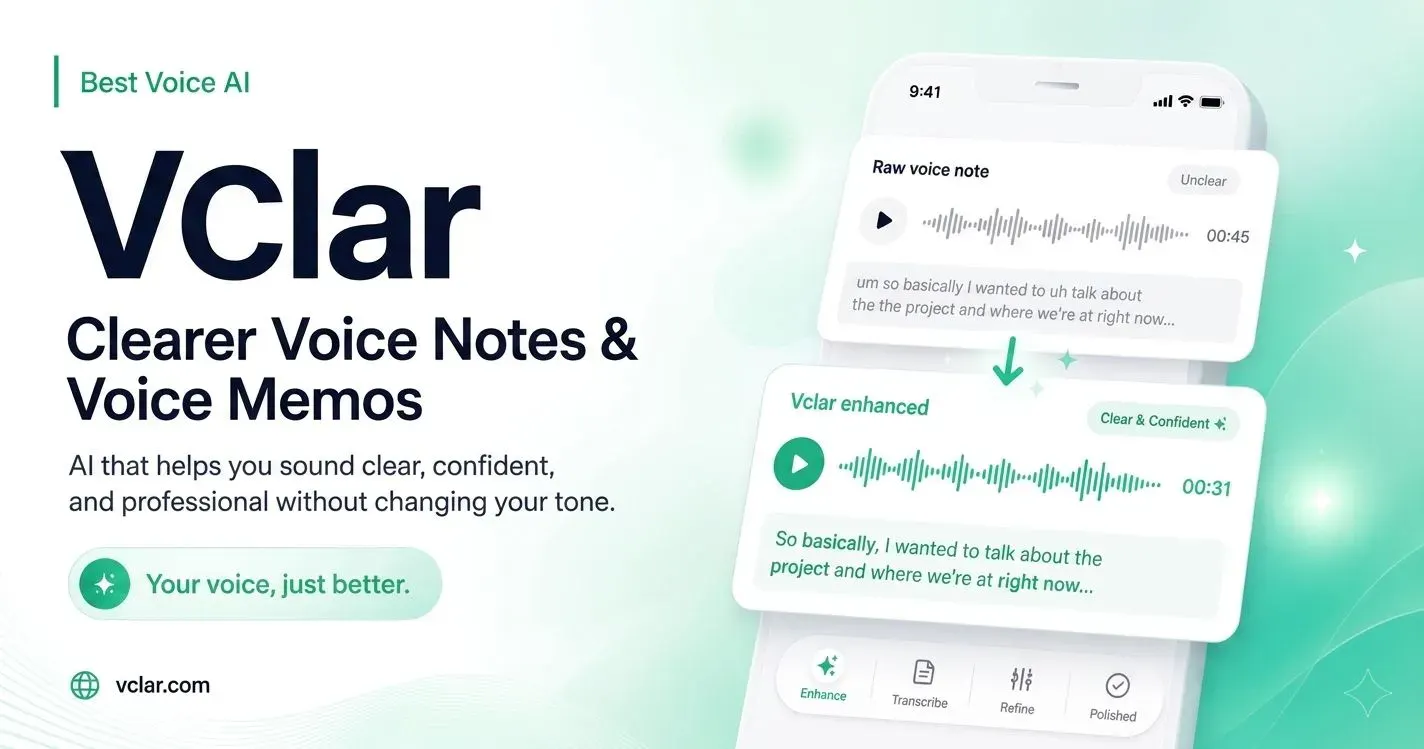
VClar
Clean, fix and translate voice messages in your voice
VClar turns messy voice messages into clear, send-ready audio without making you sound like someone else. It removes filler words and long pauses, fixes spoken grammar and phrasing, improves clarity, cleans distracting audio, and can translate the refined message into another language while preserving your natural voice, tone, and accent. Unlike tools that only transcribe or translate raw speech, VClar also shows what changed and why, so you can improve over time.
Top comment
Hey Product Hunt 👋 I’m Roktim, the founder of VClar. I built VClar around a problem I kept noticing with voice messages. Speaking is often much faster and more natural than typing, but the message that comes out is not always the message you had in your head. You say “um” too many times, repeat yourself, use the wrong grammar, pause in awkward places, or listen back and realize the whole thing sounds less clear than you intended. Then you delete it and record it again. And sometimes again. I wanted to build something where you could just speak naturally the first time. That became VClar. You can record or upload a voice message, and VClar can remove unnecessary filler words, fix spoken grammar and phrasing, improve clarity, clean distracting audio, and give you a clearer version while keeping your natural voice, tone, and accent. Translation became an important part of it too. Instead of directly translating all the hesitation and messy wording in the original recording, VClar cleans the message first and then translates the clearer meaning. But one of the parts I care about most is what happens after the result. VClar shows you what it changed and why. So the goal is not only to make one voice message sound better. Over time, I want VClar to help people become clearer communicators themselves. The simplest way I describe it is: Speak naturally. Send it clearly. I’d really appreciate you trying VClar and telling me where it works, where it doesn’t, and what you think should come next. Thanks for checking it out ❤️
About VClar on Product Hunt
“Clean, fix and translate voice messages in your voice”
VClar was submitted on Product Hunt and earned 2 upvotes and 1 comments, placing #157 on the daily leaderboard. VClar turns messy voice messages into clear, send-ready audio without making you sound like someone else. It removes filler words and long pauses, fixes spoken grammar and phrasing, improves clarity, cleans distracting audio, and can translate the refined message into another language while preserving your natural voice, tone, and accent. Unlike tools that only transcribe or translate raw speech, VClar also shows what changed and why, so you can improve over time.
On the analytics side, VClar competes within Messaging and Tech — topics that collectively have 687k followers on Product Hunt. The dashboard above tracks how VClar performed against the three products that launched closest to it on the same day.
Who hunted VClar?
VClar was hunted by RoKTiM SaHa. A “hunter” on Product Hunt is the community member who submits a product to the platform — uploading the images, the link, and tagging the makers behind it. Hunters typically write the first comment explaining why a product is worth attention, and their followers are notified the moment they post. Around 79% of featured launches on Product Hunt are self-hunted by their makers, but a well-known hunter still acts as a signal of quality to the rest of the community. See the full all-time top hunters leaderboard to discover who is shaping the Product Hunt ecosystem.
For a complete overview of VClar including community comment highlights and product details, visit the product overview.