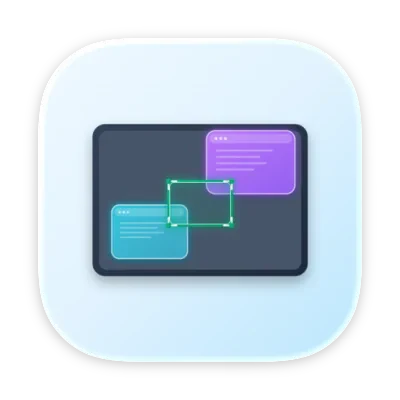
Screenslice is built for people on ultrawides or large monitors who hate sharing their entire screen. It mirrors any selected region into a standard 1920×1080 window, so Meet and Teams can capture it cleanly. You get a movable overlay and freeze frame without reorganizing your whole desktop.
I built Screenslice because I kept running into the same problem on video calls: I wanted to share part of my screen, but Meet/Teams usually forced me to choose between sharing one window or my entire monitor. That gets especially bad on ultrawides.
Screenslice solves that by letting you draw a region over any part of your screen and turning it into a clean shareable window that conferencing apps can capture normally. I also added freeze frame to make it practical in real calls when you need to reorganize private windows or take a quick look at your notes.
Would love feedback on whether this solves the problem the way you’d expect, because it definitely does the job for me.
About Screenslice on Product Hunt
“Share only part of your screen in video calls”
Screenslice launched on Product Hunt on April 8th, 2026 and earned 73 upvotes and 3 comments, placing #23 on the daily leaderboard. Screenslice is built for people on ultrawides or large monitors who hate sharing their entire screen. It mirrors any selected region into a standard 1920×1080 window, so Meet and Teams can capture it cleanly. You get a movable overlay and freeze frame without reorganizing your whole desktop.
On the analytics side, Screenslice competes within Productivity, Video Streaming and Developer Tools — topics that collectively have 1.2M followers on Product Hunt. The dashboard above tracks how Screenslice performed against the three products that launched closest to it on the same day.
Who hunted Screenslice?
Screenslice was hunted by Max Prokopyev. A “hunter” on Product Hunt is the community member who submits a product to the platform — uploading the images, the link, and tagging the makers behind it. Hunters typically write the first comment explaining why a product is worth attention, and their followers are notified the moment they post. Around 79% of featured launches on Product Hunt are self-hunted by their makers, but a well-known hunter still acts as a signal of quality to the rest of the community. See the full all-time top hunters leaderboard to discover who is shaping the Product Hunt ecosystem.
For a complete overview of Screenslice including community comment highlights and product details, visit the product overview.

 Max Prokopyev