This product was not featured by Product Hunt yet. It will not be visible on their landing page and won't be ranked (cannot win product of the day regardless of upvotes).
Product upvotes vs the next 3
Waiting for data. Loading
Product comments vs the next 3
Waiting for data. Loading
Product upvote speed vs the next 3
Waiting for data. Loading
Product upvotes and comments
Waiting for data. Loading
Product vs the next 3
Loading
SC File Renamer
Organize and rename messy media files instantly.
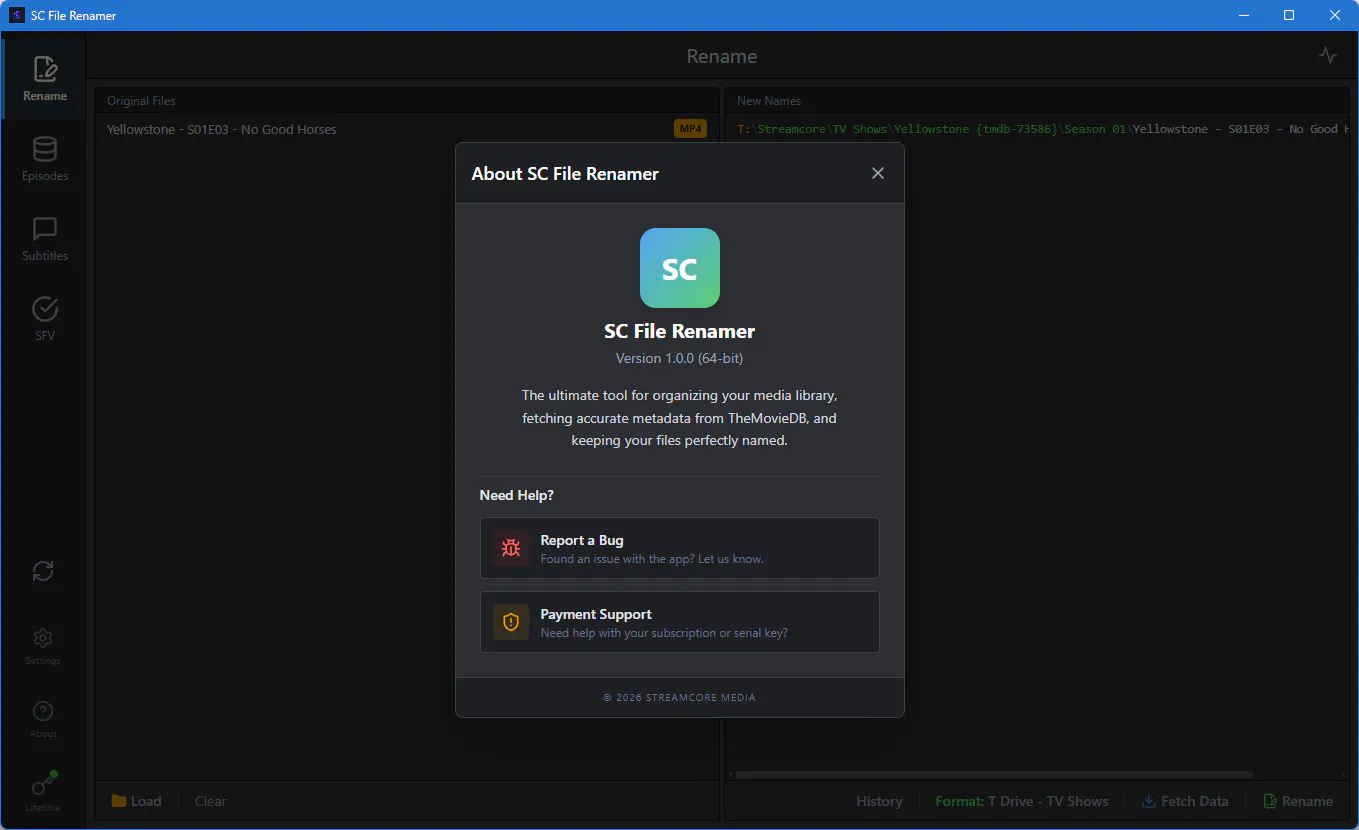
SC File Renamer is a modern, blazing-fast desktop app designed to elegantly organize and rename your media files. Built with React and Electron, it features smart TMDB matching, built-in ad-free subtitle workspaces, SFV/MD5 checksum generation, cross-drive progress tracking, and smart file upgrades to keep your media library perfectly organized.
I’m incredibly excited to finally share SC File Renamer with you all!
The Problem: If you have a home media server (Plex, Jellyfin, etc.) or just a large local library, you know the absolute nightmare of dealing with messy, improperly named files and scene releases. For years, the gold standard for fixing this was FileBot, but I wanted something that felt more modern, was completely native to the desktop.
What inspired it: I built SC File Renamer out of sheer frustration. I was tired of bouncing between three different apps just to rename a season of a TV show, hunt down the correct .srt subtitles on sketchy websites filled with popups, and verify the checksums of large 4K files. I wanted one beautiful, blazing-fast app to do it all.
How it evolved: What started as a simple React + Electron script to ping the TMDB API quickly snowballed into a full-blown media suite. As I built it, I realized the real bottlenecks were file I/O operations and annoying subtitle websites. So, I evolved the approach:
I built an enterprise-grade ad/popup interceptor directly into the Subtitle Workspace, so you can safely browse Addic7ed and OpenSubtitles without the spam. I implemented native Node.js streaming backends for the SFV/Checksum generator, meaning you can hash a 50GB file without the UI ever freezing. I added OS-level progress tracking when moving files across physical drives. I’d absolutely love to hear your feedback, feature requests, or answer any technical questions you have about building high-performance Electron apps!
Thank you so much for checking it out! 🚀
The first 10 people to download and reply to this message gets a 1 month free trial.
About SC File Renamer on Product Hunt
“Organize and rename messy media files instantly.”
SC File Renamer was submitted on Product Hunt and earned 0 upvotes and 1 comments, placing #61 on the daily leaderboard. SC File Renamer is a modern, blazing-fast desktop app designed to elegantly organize and rename your media files. Built with React and Electron, it features smart TMDB matching, built-in ad-free subtitle workspaces, SFV/MD5 checksum generation, cross-drive progress tracking, and smart file upgrades to keep your media library perfectly organized.
On the analytics side, SC File Renamer competes within Productivity, Movies, TV and GitHub — topics that collectively have 725.7k followers on Product Hunt. The dashboard above tracks how SC File Renamer performed against the three products that launched closest to it on the same day.
Who hunted SC File Renamer?
SC File Renamer was hunted by StreamcoreMedia!. A “hunter” on Product Hunt is the community member who submits a product to the platform — uploading the images, the link, and tagging the makers behind it. Hunters typically write the first comment explaining why a product is worth attention, and their followers are notified the moment they post. Around 79% of featured launches on Product Hunt are self-hunted by their makers, but a well-known hunter still acts as a signal of quality to the rest of the community. See the full all-time top hunters leaderboard to discover who is shaping the Product Hunt ecosystem.
For a complete overview of SC File Renamer including community comment highlights and product details, visit the product overview.

 StreamcoreMedia!
Hi Product Hunt! 👋
I’m incredibly excited to finally share SC File Renamer with you all!
The Problem: If you have a home media server (Plex, Jellyfin, etc.) or just a large local library, you know the absolute nightmare of dealing with messy, improperly named files and scene releases. For years, the gold standard for fixing this was FileBot, but I wanted something that felt more modern, was completely native to the desktop.
What inspired it: I built SC File Renamer out of sheer frustration. I was tired of bouncing between three different apps just to rename a season of a TV show, hunt down the correct .srt subtitles on sketchy websites filled with popups, and verify the checksums of large 4K files. I wanted one beautiful, blazing-fast app to do it all.
How it evolved: What started as a simple React + Electron script to ping the TMDB API quickly snowballed into a full-blown media suite. As I built it, I realized the real bottlenecks were file I/O operations and annoying subtitle websites. So, I evolved the approach:
I built an enterprise-grade ad/popup interceptor directly into the Subtitle Workspace, so you can safely browse Addic7ed and OpenSubtitles without the spam.
I implemented native Node.js streaming backends for the SFV/Checksum generator, meaning you can hash a 50GB file without the UI ever freezing.
I added OS-level progress tracking when moving files across physical drives.
I’d absolutely love to hear your feedback, feature requests, or answer any technical questions you have about building high-performance Electron apps!
Thank you so much for checking it out! 🚀
The first 10 people to download and reply to this message gets a 1 month free trial.