Instant, on-brand product visuals – powered by custom AI.
Product Shots lets you instantly generate stunning, campaign-ready visuals of your products using custom-trained AI. Skip costly studios and production bottlenecks – create unlimited, on-brand imagery in any setting you imagine, effortlessly and in minutes.
We've heard from creatives and marketers that traditional product photography can be expensive, slow, and creatively limiting. So we built Product Shots to fix that.
What's new? ✨
Product Shots lets you instantly create on-brand, campaign-ready visuals by training custom AI models on your own products. No studios or costly setups required – just upload, train quickly, and generate unlimited creative imagery.
Highlights ⚡️
High-quality AI generations.
Easy framing with multiple aspect ratios.
Non-blocking UI, perfect for rapidly generating multiple shots.
Video support – easily create dynamic video content.
Integrated AI Asset Library: all images, videos, and prompts automatically saved and instantly searchable.
Built-in creative tools: instant upscaling, image extension, background removal, and more.
Two ways to use it 🎛️
- Fast Mode: Quick, efficient visuals using your exact uploaded angles. - Advanced Mode: More creative control, dynamic angles, and richer integration into complex scenes.
To get video for a generation just open it and click the camera icon (more to come on video workflow in the coming weeks!)
We’re just getting started and excited to build on this further. Would love your feedback—tell us what you think, and how we can make it even better!
Olof & the Kive team 💜
About Kive Product Shots on Product Hunt
“Instant, on-brand product visuals – powered by custom AI.”
Kive Product Shots launched on Product Hunt on March 4th, 2025 and earned 174 upvotes and 16 comments, placing #8 on the daily leaderboard. Product Shots lets you instantly generate stunning, campaign-ready visuals of your products using custom-trained AI. Skip costly studios and production bottlenecks – create unlimited, on-brand imagery in any setting you imagine, effortlessly and in minutes.
On the analytics side, Kive Product Shots competes within Design Tools, Marketing and Photography — topics that collectively have 875.4k followers on Product Hunt. The dashboard above tracks how Kive Product Shots performed against the three products that launched closest to it on the same day.
Who hunted Kive Product Shots?
Kive Product Shots was hunted by Chris Messina. A “hunter” on Product Hunt is the community member who submits a product to the platform — uploading the images, the link, and tagging the makers behind it. Hunters typically write the first comment explaining why a product is worth attention, and their followers are notified the moment they post. Around 79% of featured launches on Product Hunt are self-hunted by their makers, but a well-known hunter still acts as a signal of quality to the rest of the community. See the full all-time top hunters leaderboard to discover who is shaping the Product Hunt ecosystem.


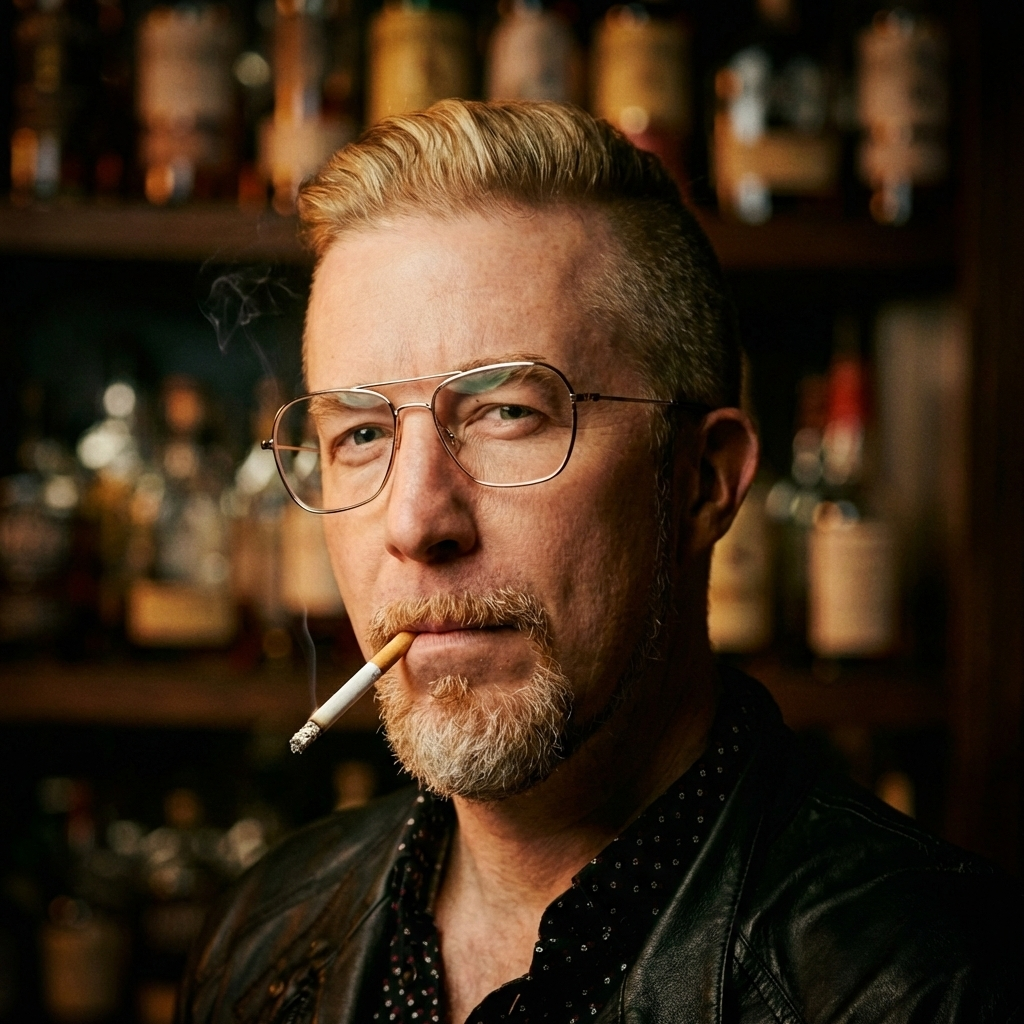 Chris Messina
Hey Product Hunt! 👋 I'm Olof, founder of Kive.
We've heard from creatives and marketers that traditional product photography can be expensive, slow, and creatively limiting. So we built Product Shots to fix that.
What's new? ✨
Product Shots lets you instantly create on-brand, campaign-ready visuals by training custom AI models on your own products. No studios or costly setups required – just upload, train quickly, and generate unlimited creative imagery.
Highlights ⚡️
High-quality AI generations.
Easy framing with multiple aspect ratios.
Non-blocking UI, perfect for rapidly generating multiple shots.
Video support – easily create dynamic video content.
Integrated AI Asset Library: all images, videos, and prompts automatically saved and instantly searchable.
Built-in creative tools: instant upscaling, image extension, background removal, and more.
Two ways to use it 🎛️
- Fast Mode: Quick, efficient visuals using your exact uploaded angles.
- Advanced Mode: More creative control, dynamic angles, and richer integration into complex scenes.
To get video for a generation just open it and click the camera icon (more to come on video workflow in the coming weeks!)
We’re just getting started and excited to build on this further. Would love your feedback—tell us what you think, and how we can make it even better!
Olof & the Kive team 💜