This product was not featured by Product Hunt yet. It will not be visible on their landing page and won't be ranked (cannot win product of the day regardless of upvotes).
Product upvotes vs the next 3
Waiting for data. Loading
Product comments vs the next 3
Waiting for data. Loading
Product upvote speed vs the next 3
Waiting for data. Loading
Product upvotes and comments
Waiting for data. Loading
Product vs the next 3
Loading
Infographic Engine for Canva & AI
Generate 100 high-converting comparison graphics in 15 mins.
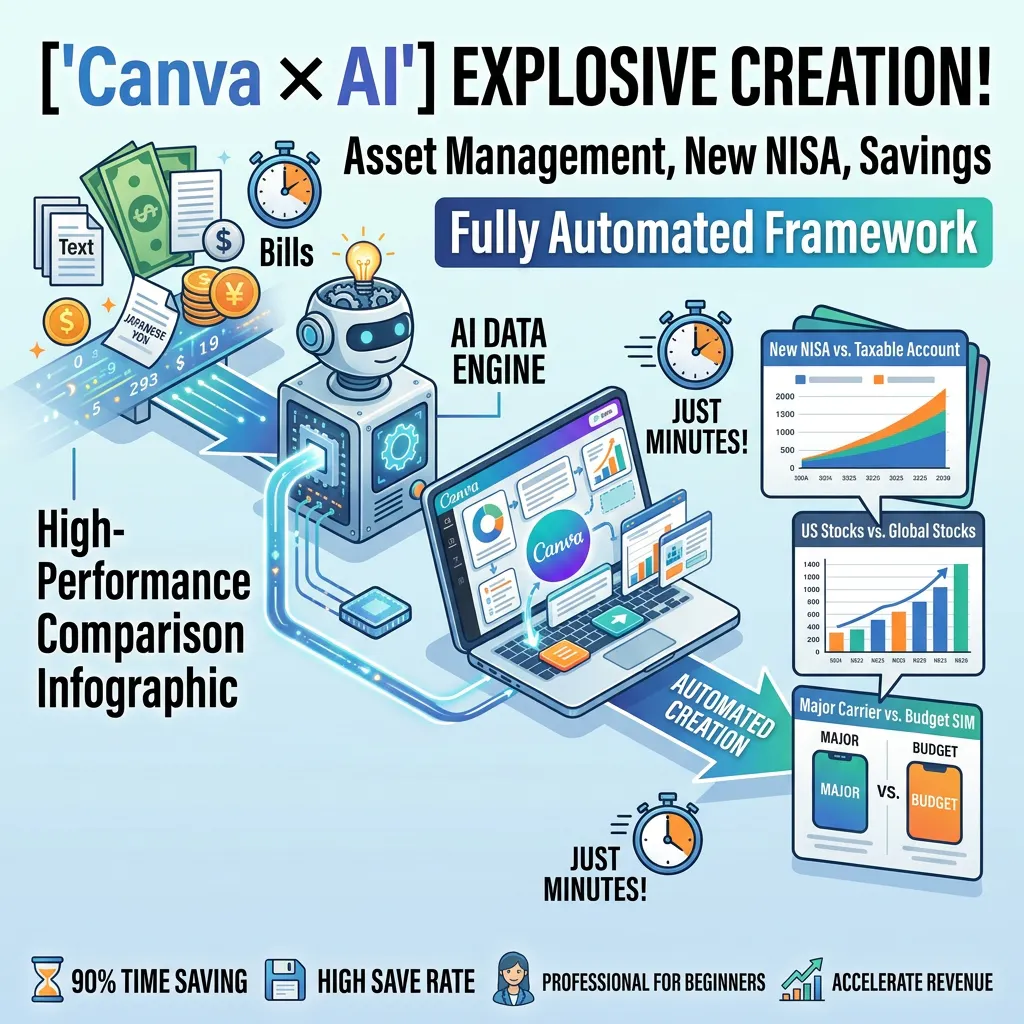
Turn raw data into viral social graphics on autopilot. Combine ChatGPT/Claude with Canva Bulk Create to produce high-density comparison carousels that boost saves and affiliate sales. What’s Inside: - AI Prompt Library to turn text into error-free CSV data - 10 Master Canva Templates optimized for mobile feeds - Step-by-step guide to automate 100 slides in 15 mins - Proven monetization & affiliate conversion funnels
Hey Product Hunt community! 👋
I’m thrilled to introduce **Infographic Engine for Canva & AI** today!
As a digital creator, I used to waste 2+ hours every day tweaking layout grids in Canva just to make dynamic comparison carousels for social media. I knew visual comparisons (like S&P 500 vs. ACWI or Budget SIM vs. Major Carrier) were the secret to skyrocketing save rates, but the manual process was a massive bottleneck.
That’s why I built this automated framework. By pairing custom ChatGPT/Claude prompts with Canva’s Bulk Create feature, you can now generate 100 high-converting, perfectly aligned comparison slides in under 15 minutes—zero design experience required.
**What you’ll get inside:**
✨ Master Prompt Collection to structure raw topic notes into clean CSV data
🎨 10 Pre-configured Master Canva Templates (4:5 vertical ratio optimized for mobile feeds)
📈 Step-by-step masterclass on scaling account save rates & affiliate conversions
We’d love to hear your thoughts, feedback, and questions! What kind of content or niche are you planning to automate next? Let us know in the comments below! 👇
Thank you for your support! ❤️
About Infographic Engine for Canva & AI on Product Hunt
“Generate 100 high-converting comparison graphics in 15 mins.”
Infographic Engine for Canva & AI was submitted on Product Hunt and earned 0 upvotes and 1 comments, placing #322 on the daily leaderboard. Turn raw data into viral social graphics on autopilot. Combine ChatGPT/Claude with Canva Bulk Create to produce high-density comparison carousels that boost saves and affiliate sales. What’s Inside: - AI Prompt Library to turn text into error-free CSV data - 10 Master Canva Templates optimized for mobile feeds - Step-by-step guide to automate 100 slides in 15 mins - Proven monetization & affiliate conversion funnels
On the analytics side, Infographic Engine for Canva & AI competes within Design Tools, Social Media and Artificial Intelligence — topics that collectively have 834.6k followers on Product Hunt. The dashboard above tracks how Infographic Engine for Canva & AI performed against the three products that launched closest to it on the same day.
Who hunted Infographic Engine for Canva & AI?
Infographic Engine for Canva & AI was hunted by Miko Shiraka. A “hunter” on Product Hunt is the community member who submits a product to the platform — uploading the images, the link, and tagging the makers behind it. Hunters typically write the first comment explaining why a product is worth attention, and their followers are notified the moment they post. Around 79% of featured launches on Product Hunt are self-hunted by their makers, but a well-known hunter still acts as a signal of quality to the rest of the community. See the full all-time top hunters leaderboard to discover who is shaping the Product Hunt ecosystem.
For a complete overview of Infographic Engine for Canva & AI including community comment highlights and product details, visit the product overview.

 Miko Shiraka