This product was not featured by Product Hunt yet. It will not be visible on their landing page and won't be ranked (cannot win product of the day regardless of upvotes).
Product upvotes vs the next 3
Waiting for data. Loading
Product comments vs the next 3
Waiting for data. Loading
Product upvote speed vs the next 3
Waiting for data. Loading
Product upvotes and comments
Waiting for data. Loading
Product vs the next 3
Loading
Ground Control Chat
See and command your coding agents from your iPhone
Every coding agent running on your Mac shows up on your phone as a pixel pilot. Tap one to read what it is doing and send instructions that land in the real terminal. When it stops to ask permission, you approve from wherever you are instead of finding it stuck an hour later. Works with Claude Code, Codex and Kimi. One command on the Mac, scan the QR, no account. The relay only routes bytes it cannot read, so your code never leaves your machine.
I kept walking away from my desk with Claude Code half way through something, then coming back an hour later to find it had stopped after two minutes, waiting for me to approve one command.
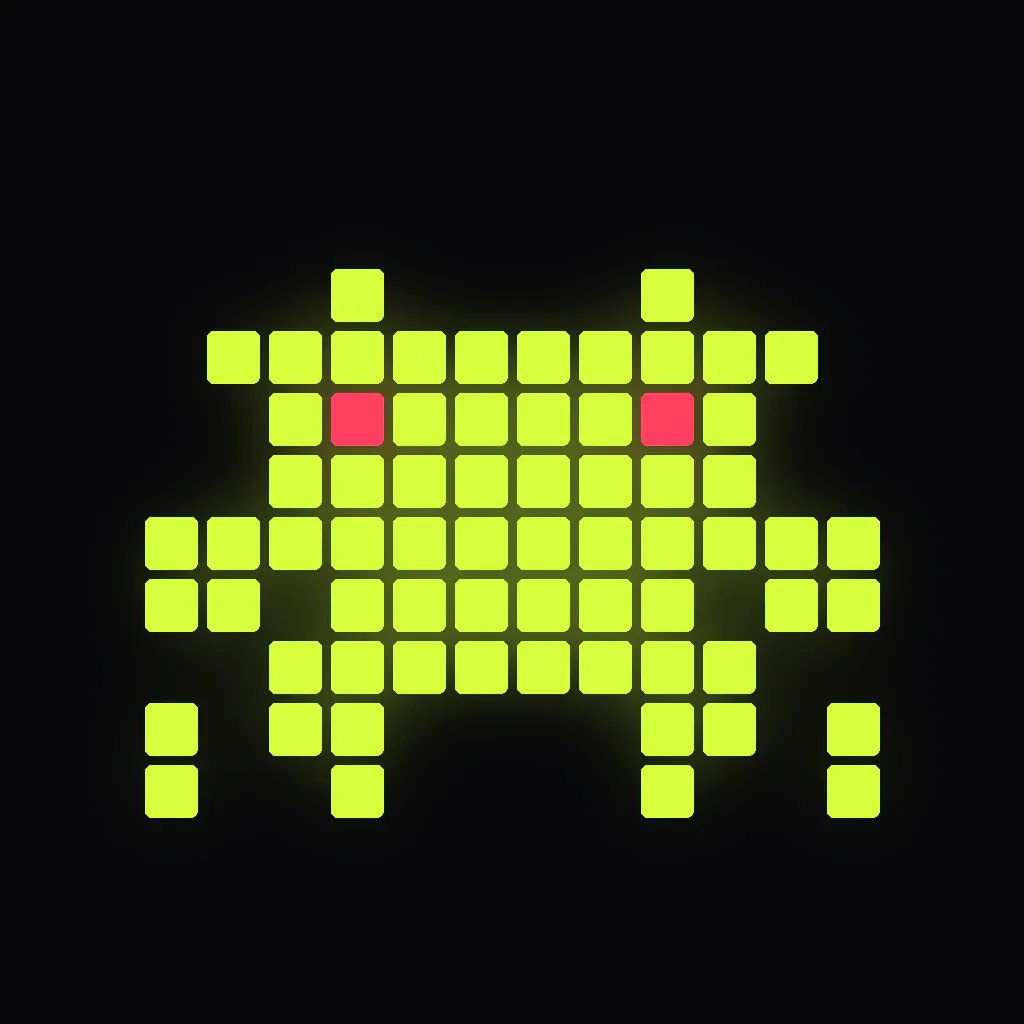
So I built the thing I wanted. Every agent running on my Mac shows up on my phone as a little pixel pilot walking around. Cyan means working, lavender means idle, pink means it needs you. Tap one and you can read what it is doing and type back, and what you type goes into the actual terminal tab on the Mac, so the conversation on my desktop just carries on.
The part I use most is the approvals. When an agent hits a permission prompt it now reaches my phone and I answer from the train. The Mac prompt still works normally, whichever one answers first wins.
Setup is one command, npx @clastres/groundcontrol, then you scan the QR with your camera. No account, nothing to sign up for. The pairing key is generated on your Mac and only ever travels inside that QR code, and the relay in the middle routes sealed bytes it cannot read.
It picks up Codex and Kimi sessions too.
It is free, and it needs a Mac. Happy to answer anything.
About Ground Control Chat on Product Hunt
“See and command your coding agents from your iPhone”
Ground Control Chat was submitted on Product Hunt and earned 2 upvotes and 1 comments, placing #150 on the daily leaderboard. Every coding agent running on your Mac shows up on your phone as a pixel pilot. Tap one to read what it is doing and send instructions that land in the real terminal. When it stops to ask permission, you approve from wherever you are instead of finding it stuck an hour later. Works with Claude Code, Codex and Kimi. One command on the Mac, scan the QR, no account. The relay only routes bytes it cannot read, so your code never leaves your machine.
On the analytics side, Ground Control Chat competes within iOS, Developer Tools and Artificial Intelligence — topics that collectively have 1.1M followers on Product Hunt. The dashboard above tracks how Ground Control Chat performed against the three products that launched closest to it on the same day.
Who hunted Ground Control Chat?
Ground Control Chat was hunted by Carlos Lastres. A “hunter” on Product Hunt is the community member who submits a product to the platform — uploading the images, the link, and tagging the makers behind it. Hunters typically write the first comment explaining why a product is worth attention, and their followers are notified the moment they post. Around 79% of featured launches on Product Hunt are self-hunted by their makers, but a well-known hunter still acts as a signal of quality to the rest of the community. See the full all-time top hunters leaderboard to discover who is shaping the Product Hunt ecosystem.
For a complete overview of Ground Control Chat including community comment highlights and product details, visit the product overview.

 Carlos Lastres
I kept walking away from my desk with Claude Code half way through something, then coming back an hour later to find it had stopped after two minutes, waiting for me to approve one command.
So I built the thing I wanted. Every agent running on my Mac shows up on my phone as a little pixel pilot walking around. Cyan means working, lavender means idle, pink means it needs you. Tap one and you can read what it is doing and type back, and what you type goes into the actual terminal tab on the Mac, so the conversation on my desktop just carries on.
The part I use most is the approvals. When an agent hits a permission prompt it now reaches my phone and I answer from the train. The Mac prompt still works normally, whichever one answers first wins.
Setup is one command, npx @clastres/groundcontrol, then you scan the QR with your camera. No account, nothing to sign up for. The pairing key is generated on your Mac and only ever travels inside that QR code, and the relay in the middle routes sealed bytes it cannot read.
It picks up Codex and Kimi sessions too.
It is free, and it needs a Mac. Happy to answer anything.