This product was not featured by Product Hunt yet. It will not be visible on their landing page and won't be ranked (cannot win product of the day regardless of upvotes).
Product upvotes vs the next 3
Waiting for data. Loading
Product comments vs the next 3
Waiting for data. Loading
Product upvote speed vs the next 3
Waiting for data. Loading
Product upvotes and comments
Waiting for data. Loading
Product vs the next 3
Loading
Frameup
Turn raw screenshots into share-ready shots in your browser
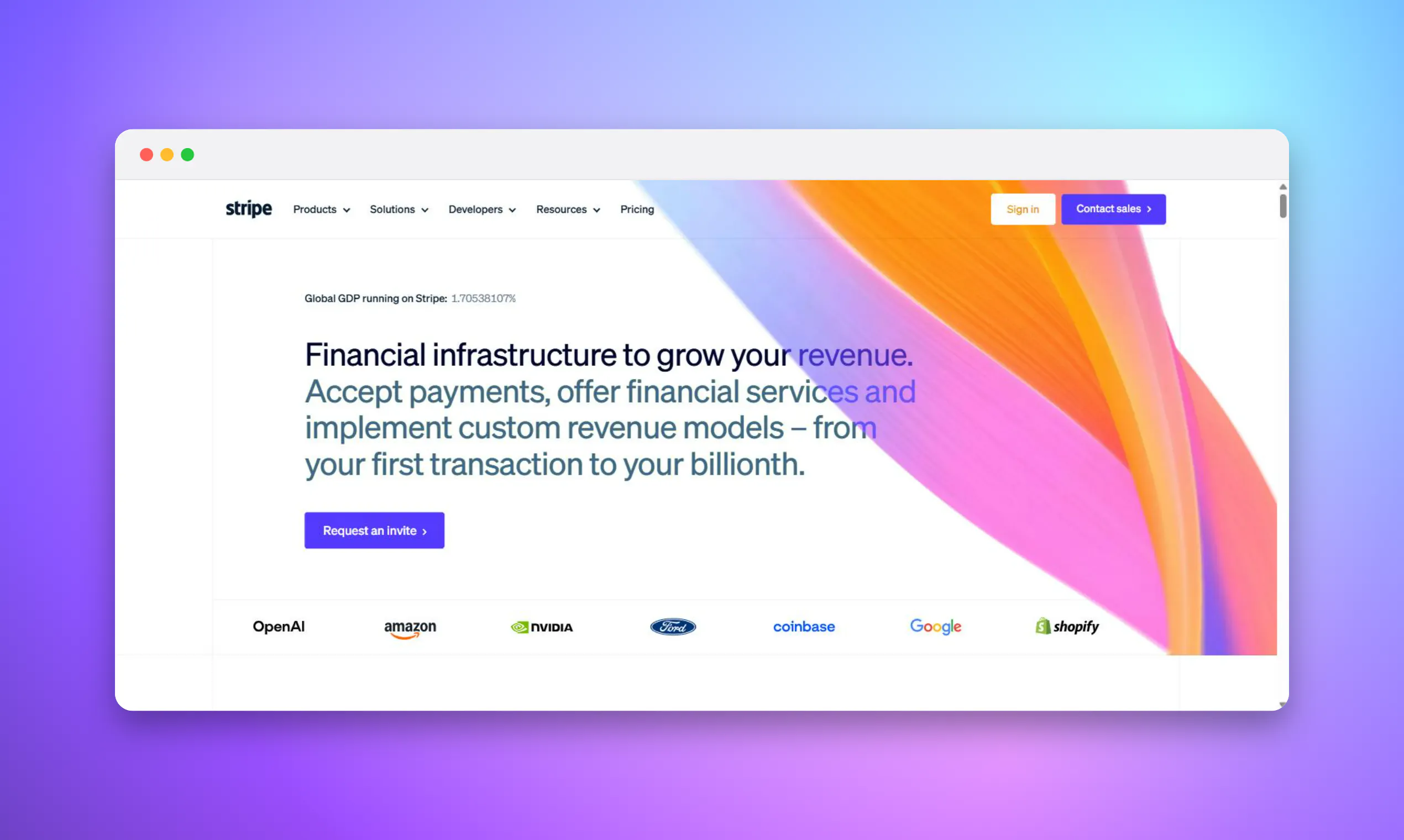
Frameup turns a raw screenshot into a share-ready image in seconds gradient backgrounds, padding, shadow, a browser frame then exports a PNG sized exactly for Product Hunt, X, a GitHub README, the App Store and more. 100% in your browser. No upload, no account.
Hey Hunters 👋
Every time I shipped something I'd lose 15 minutes dropping the screenshot into a design tool, nudging padding, picking a background, then re-cropping it for whatever site I was posting to. Frameup is the small tool that kills that loop.
Drop or paste a screenshot → pick where it's going (Product Hunt gallery, X card, GitHub README, App Store, Dribbble, or a plain ratio) → tweak the background, shadow and frame → download a PNG at the exact size that destination wants, or copy it straight to your clipboard.
What's different: • Destination presets set the real export dimensions no more "is this 1270×760 or did I eyeball it" • Runs entirely in your browser. The image never leaves the page no upload, no sign-up, no server. Works offline after first load. • From-image backgrounds sample your screenshot's own colours • Free.
It's an early beta and I'd love feedback on the presets and backgrounds — what's missing? Batch mode, arrows/annotations, and a 3D tilt are on my list.
Built with React + Canvas. Thanks for taking a look 🙏
About Frameup on Product Hunt
“Turn raw screenshots into share-ready shots in your browser”
Frameup was submitted on Product Hunt and earned 2 upvotes and 1 comments, placing #160 on the daily leaderboard. Frameup turns a raw screenshot into a share-ready image in seconds gradient backgrounds, padding, shadow, a browser frame then exports a PNG sized exactly for Product Hunt, X, a GitHub README, the App Store and more. 100% in your browser. No upload, no account.
On the analytics side, Frameup competes within Design Tools, Marketing and GitHub — topics that collectively have 775k followers on Product Hunt. The dashboard above tracks how Frameup performed against the three products that launched closest to it on the same day.
Who hunted Frameup ?
Frameup was hunted by Shraman Hazra. A “hunter” on Product Hunt is the community member who submits a product to the platform — uploading the images, the link, and tagging the makers behind it. Hunters typically write the first comment explaining why a product is worth attention, and their followers are notified the moment they post. Around 79% of featured launches on Product Hunt are self-hunted by their makers, but a well-known hunter still acts as a signal of quality to the rest of the community. See the full all-time top hunters leaderboard to discover who is shaping the Product Hunt ecosystem.
For a complete overview of Frameup including community comment highlights and product details, visit the product overview.

 Shraman Hazra