This product was not featured by Product Hunt yet. It will not be visible on their landing page and won't be ranked (cannot win product of the day regardless of upvotes).
Product upvotes vs the next 3
Waiting for data. Loading
Product comments vs the next 3
Waiting for data. Loading
Product upvote speed vs the next 3
Waiting for data. Loading
Product upvotes and comments
Waiting for data. Loading
Product vs the next 3
Loading
CVE Stack Monitor
Weekly CVE digest for exactly your stack — no noise.
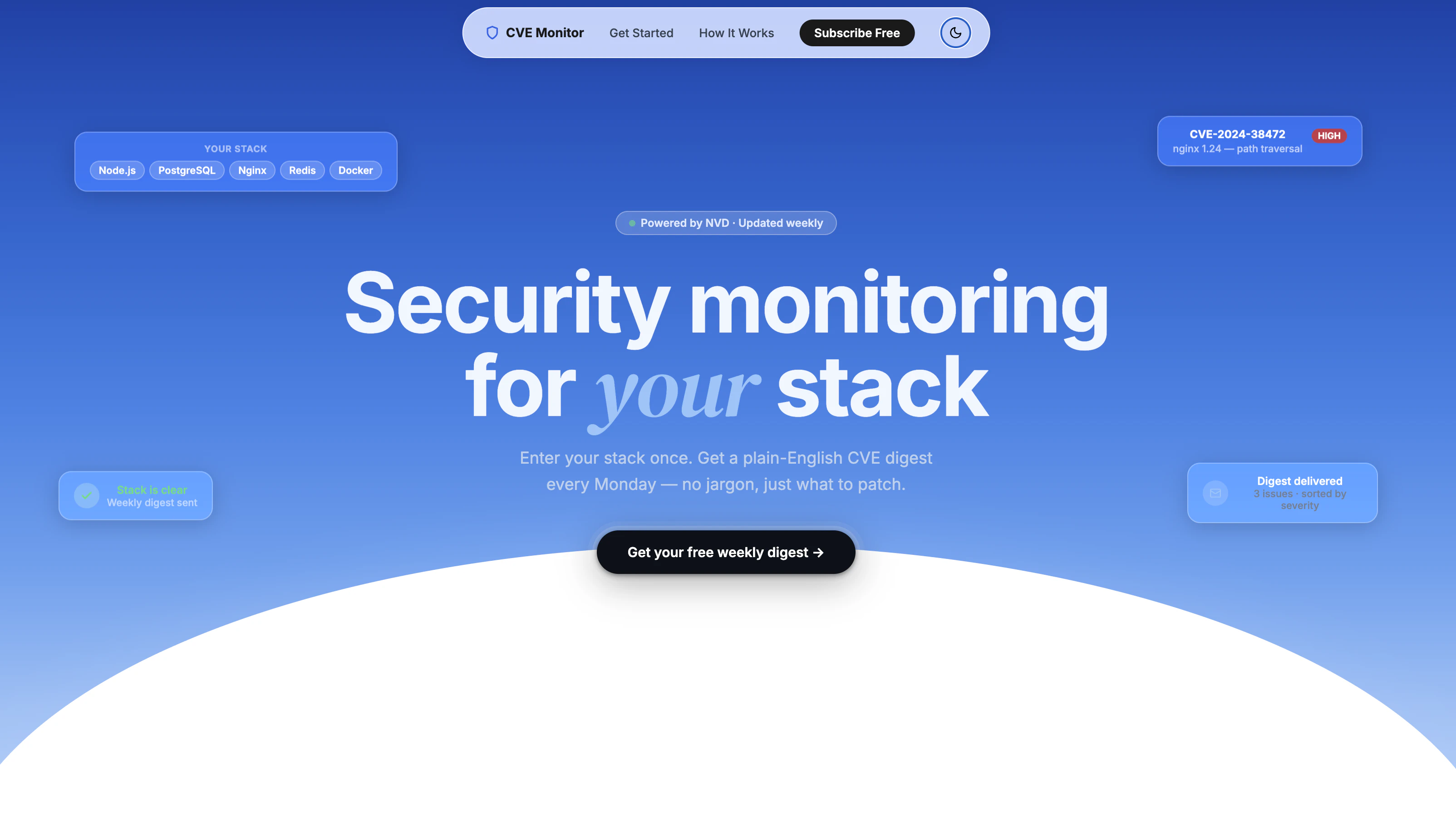
Most security tools blast you with hundreds of CVEs a week. 99% don't affect what you run. CVE Stack Monitor flips that: enter your stack once, and every Monday it scans NIST's National Vulnerability Database, uses an LLM to filter only CVEs that directly match your components, and emails a plain-English digest — CVSS score, what happened, what to patch. This week: CVSS 9.1 Critical in the Linux kernel, caught before Monday morning standup.
Hey PH 👋 — maker here.
I built this because I kept doing the same manual thing: open NVD, search for each component in our stack, filter by date, try to figure out if it actually applied to us. Every. Single. Week.
The existing tools are either enterprise (Snyk, Dependabot) and require code access, or they're newsletters that blast you with everything. There was no middle ground for "just tell me what's relevant to my infra stack."
So I built it. Here's literally how it works:
You enter your stack (Node.js, PostgreSQL, nginx, Linux kernel, whatever)
Every Monday it hits the NVD API and pulls the last 7 days of CVEs
Llama 3.3 (via Groq) filters them against your exact components with strict identity rules — no false positives
You get an email like the one in the screenshots: CVSS score, plain-English summary, direct NVD link
This week's real output for a Linux kernel subscriber: CVSS 9.1 Critical (CVE-2026-46244, netfilter nft_inner IPv6 desync) + 6 HIGH severity issues. That's the signal — not 400 CVEs.
It's completely free right now. 1 stack, weekly digest, unlimited components. I'm building toward Pro (multiple stacks, Slack/Teams alerts, daily scan option) but wanted real feedback first on what actually matters to people.
Two things I'd love your input on:
What stacks are you running that you'd want monitored?
Is weekly the right cadence, or would you pay for daily?
Drop a comment and I'll reply to every one. → https://cve-stack-monitor.onrend...
About CVE Stack Monitor on Product Hunt
“Weekly CVE digest for exactly your stack — no noise.”
CVE Stack Monitor was submitted on Product Hunt and earned 0 upvotes and 1 comments, placing #14 on the daily leaderboard. Most security tools blast you with hundreds of CVEs a week. 99% don't affect what you run. CVE Stack Monitor flips that: enter your stack once, and every Monday it scans NIST's National Vulnerability Database, uses an LLM to filter only CVEs that directly match your components, and emails a plain-English digest — CVSS score, what happened, what to patch. This week: CVSS 9.1 Critical in the Linux kernel, caught before Monday morning standup.
On the analytics side, CVE Stack Monitor competes within Open Source, Developer Tools and Security — topics that collectively have 593.4k followers on Product Hunt. The dashboard above tracks how CVE Stack Monitor performed against the three products that launched closest to it on the same day.
Who hunted CVE Stack Monitor?
CVE Stack Monitor was hunted by Absolute Corporation. A “hunter” on Product Hunt is the community member who submits a product to the platform — uploading the images, the link, and tagging the makers behind it. Hunters typically write the first comment explaining why a product is worth attention, and their followers are notified the moment they post. Around 79% of featured launches on Product Hunt are self-hunted by their makers, but a well-known hunter still acts as a signal of quality to the rest of the community. See the full all-time top hunters leaderboard to discover who is shaping the Product Hunt ecosystem.
For a complete overview of CVE Stack Monitor including community comment highlights and product details, visit the product overview.

 Absolute Corporation