This product was not featured by Product Hunt yet. It will not be visible on their landing page and won't be ranked (cannot win product of the day regardless of upvotes).
Product upvotes vs the next 3
Waiting for data. Loading
Product comments vs the next 3
Waiting for data. Loading
Product upvote speed vs the next 3
Waiting for data. Loading
Product upvotes and comments
Waiting for data. Loading
Product vs the next 3
Loading
AI Screenshot Organizer
Find any screenshot in seconds using OCR and AI
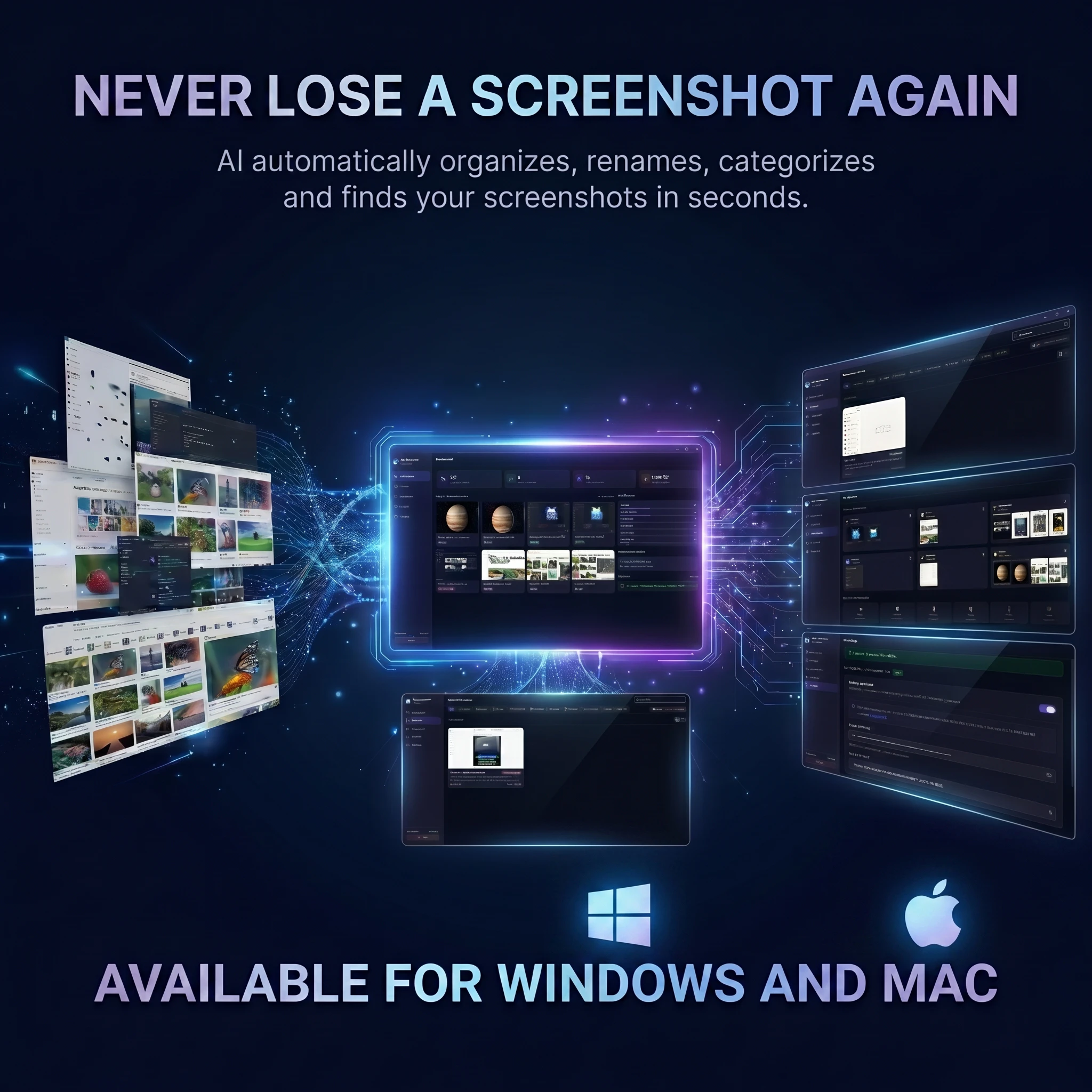
AI Screenshot Organizer automatically renames, categorizes, organizes, and makes your screenshots searchable using OCR, Smart Search, and optional AI. Available for Windows and macOS
Hey Product Hunt 👋
I'm excited to share AI Screenshot Organizer.
The idea came from a simple frustration: I had thousands of screenshots spread across my desktop, downloads folder, and project directories.
I could remember what I was looking for:
"that GitHub error screenshot"
"that WhatsApp conversation"
"that Facebook post"
But actually finding it was painful.
So I built a desktop app that automatically:
• Extracts text from screenshots
• Renames screenshots intelligently
• Organizes them into categories
• Makes screenshots searchable
The app works with OCR alone, can use local AI with Ollama, or connect to Groq for enhanced organization.
I'd love your feedback on:
1. Which feature is most useful?
2. What search capabilities would you want next?
3. How do you currently manage screenshots?
Happy to answer any questions throughout the day 🚀
About AI Screenshot Organizer on Product Hunt
“Find any screenshot in seconds using OCR and AI”
AI Screenshot Organizer was submitted on Product Hunt and earned 3 upvotes and 1 comments, placing #155 on the daily leaderboard. AI Screenshot Organizer automatically renames, categorizes, organizes, and makes your screenshots searchable using OCR, Smart Search, and optional AI. Available for Windows and macOS
On the analytics side, AI Screenshot Organizer competes within Productivity, Software Engineering and Artificial Intelligence — topics that collectively have 1.2M followers on Product Hunt. The dashboard above tracks how AI Screenshot Organizer performed against the three products that launched closest to it on the same day.
Who hunted AI Screenshot Organizer?
AI Screenshot Organizer was hunted by Husnain Aslam. A “hunter” on Product Hunt is the community member who submits a product to the platform — uploading the images, the link, and tagging the makers behind it. Hunters typically write the first comment explaining why a product is worth attention, and their followers are notified the moment they post. Around 79% of featured launches on Product Hunt are self-hunted by their makers, but a well-known hunter still acts as a signal of quality to the rest of the community. See the full all-time top hunters leaderboard to discover who is shaping the Product Hunt ecosystem.
For a complete overview of AI Screenshot Organizer including community comment highlights and product details, visit the product overview.

 Husnain Aslam